
My Thoughts on the Chromebook

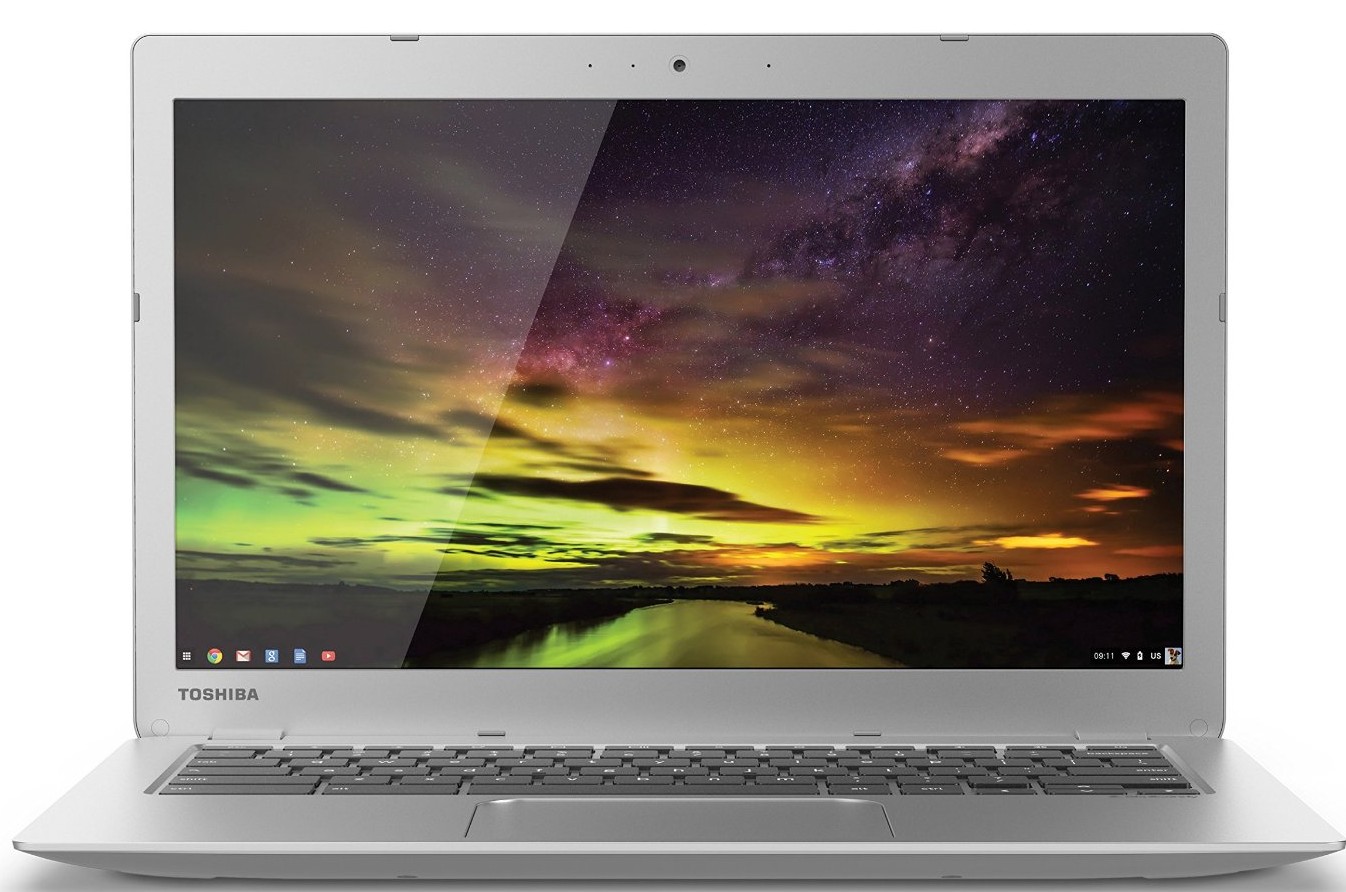
I got a Chromebook a couple of weeks ago (this one to be exact) as a machine to use around the house for browser and writing and such. I have an iPad Mini but frankly I don’t feel like I can get a lot accomplished on it besides reading. My hope was that the Chromebook would fix that.

Here are my initial thoughts:

  • It’s a really lightweight, portable machine
  • The battery life is absolutely fantastic
  • If you use Chrome regularly, there’s not a whole lot of setup
  • The machine is essentially dedicated hardware for a Chrome browser
  • That makes ‘apps’ in the traditional sense non-existent
  • While there are lots of web apps, it doesn’t really feel like a real computer
  • It’s not great for productivity (so far)
  • It is great for general browsing.
  • I use Dashlane for all of my password, which makes things kind of a pain in the neck (since there’s no ‘native’ Dashlane app for Chromebooks)*
  • I never realized just how many native apps I use on my Mac until I go looking for them on the Chromebook
  • If I want file sync, I will have to start using Drive regularly over Dropbox
  • I’m going to toy around with making a “Chromebook Only” profile so I can experiment with extensions that I will only fine useful on that machine (to fill in some of the gaps that I’m seeing from my Mac).
  • I can definitely see this as a Coffee table computer, not just for me but for guests who might need to get online.

All-in-all I do think it’s a nice machine, and serves the purpose I bought it for relatively well. I wish there was better Dashlane integration, but that’s really on Dashlane, not Google. Like with any tech, this will take a little getting used to.

*I realize I’m probably a fringe case on this

Similar Posts

  • |

    10 Things Every College Student Needs

    Note: This article was published while I was in my early 20s. I was much younger and dumber. Please don’t hold it against me. One of the perils of having a 20+ year old website! As we approach August and people gear up to go back to school, it is time to think of what…

  • |

    WP Engine Easter Egg Saves You 20%

    I got a hot tip in my inbox today from one of my favorite hosting companies, WP Engine. For a limited time, when you visit their website and put in the Konami Code (below), you’ll save 20% on your purchase. To activate this discount, enter the following code using arrows and letters on their keyboard when…

  • |

    What Android Wear Means for Websites

    This week Google announced that they are bringing Android  to wearable technology. This is already been a big topic of discussion (one I’ve actually spoken on a few times) and Google feels it’s the next big step in technology; I share those sentiments and have been pretty open about them. I own a Jawbone UP…

  • |

    My Everyday Carry

      I’ve been meaning to post this for a while. I love the site Every Day Carry and figured it might be interesting to post my own. Below is a list of my current EDC, as well as a couple things not pictured.

  • | |

    Creator Courses is now on Nexcess’ Managed WooCommerce Hosting

    A couple of weeks ago I made the decision to move Creator Courses off of an early version of Liquid Web’s Managed WordPress hosting and onto their new Managed WooCommerce Hosting by Nexcess. I was concerned about a number of things, like performance/speed, development environments, and overall feature set. Let me tell you: I am not disappointed.

  • |

    WordPress Plugins I Can’t Live Without

    I work with WordPress on a daily basis. By working within my own sites, setting up new sites, and testing new things, I come across a lot of WordPress tools. As a result, I have a group of WordPress plugins that I’ve come to rely on. There are some that are site specific (like WooCommerce…