
5 Things Every Business Website should show on the Homepage
You have definitely been here before. You’re on a website for a restaurant or store you perhaps what to visit. You look for some information that will help you, but all you see is some blurb about the business, maybe a slider of images, and other miscellaneous information. But that’s not what most people need – especially if the business is a brick-and-mortar business. And while I’ve written about websites for small businesses before, I’d like to talk about 5 things every business’ website should show on the homepage.
I should really stress that this applies to just about every business, but it’s incredible important for Brick and Mortar stores or businesses where you meet with people in real life. Having accurate information to help people trying to find you is key.
APhone Number
…or email address, but phone number is better. The fact of the matter is users still feel more comfortable speaking with someone over the phone or face-to-face. Make it easy for potential customers to contact you and it will absolutely generate more business for you. If you don’t want to give out your personal number, you can set one up through Skype or Google Voice.
[bctt tweet=”People feel more comfortable speaking with someone over the phone or face-to-face”]
Business Hours
This one is less important for completely digital businesses or freelancers, but if you have times when you’re “open” (at a store or online) you should make that information available. Google is pretty good at guessing, but nothing is better than the actual source. It’s incredibly frustrating when you head to a store and it’s closed because of inaccurate hours or no hours listed at all.
An Address
If you want to be found, make it easy for people to find you. Especially if you have people meet you somewhere, you should list that address so potential customers don’t have to guess the address, google it, or go to the wrong place. In the case where you work at home and meet people out at a coffee joint or coworking spot, mention that.
[bctt tweet=”If you want to be found, make it easy for people to find you.”]
Info About the Location
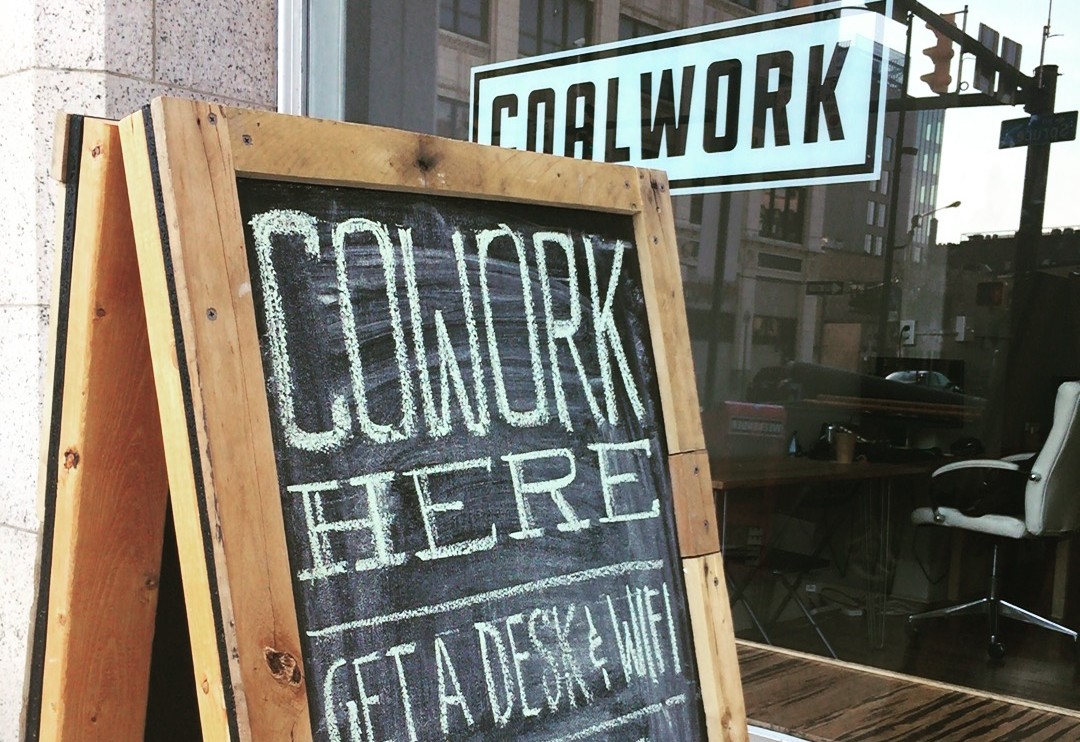
Providing the address is great, but you know what’s better? A photo and description, or an embedded Google Map, or both. I’ve met with people whose business is one name but the sign on the door is another. Time is wasted looking for the wrong store front, or parking in the wrong place and that sets a bad tone for meetings or shoppers.
Helpful Information About the Business
Mission Statements are nice and photo galleries are flashy, but stating what you do, in plain English, is much better. If you’re a restaurant, mention what food you offer and a link to a menu. If you’re a freelancer, list what you do (with examples) and include a bio and photo of you. The goal here to make website usersfeel comfortable with your business before the first visit. An image carousel of food or a super catchy marketing statement isn’t going to do that.
[bctt tweet=”Mission Statements are nice, galleries are flashy, but stating what you do in plain English is better”]
The most important takeaway here is that your homepage should have the information that’s most important to your customers; this requires knowing and understand them and what they are looking for. A good exercise would be to visit the website of a similar business and try to find information important to you; take note of what is and isn’t there, then what made the website frustrating to use. This will ultimately help you empathize with your own potential customers. Then you can get real, honest feedback from them 🙂
