
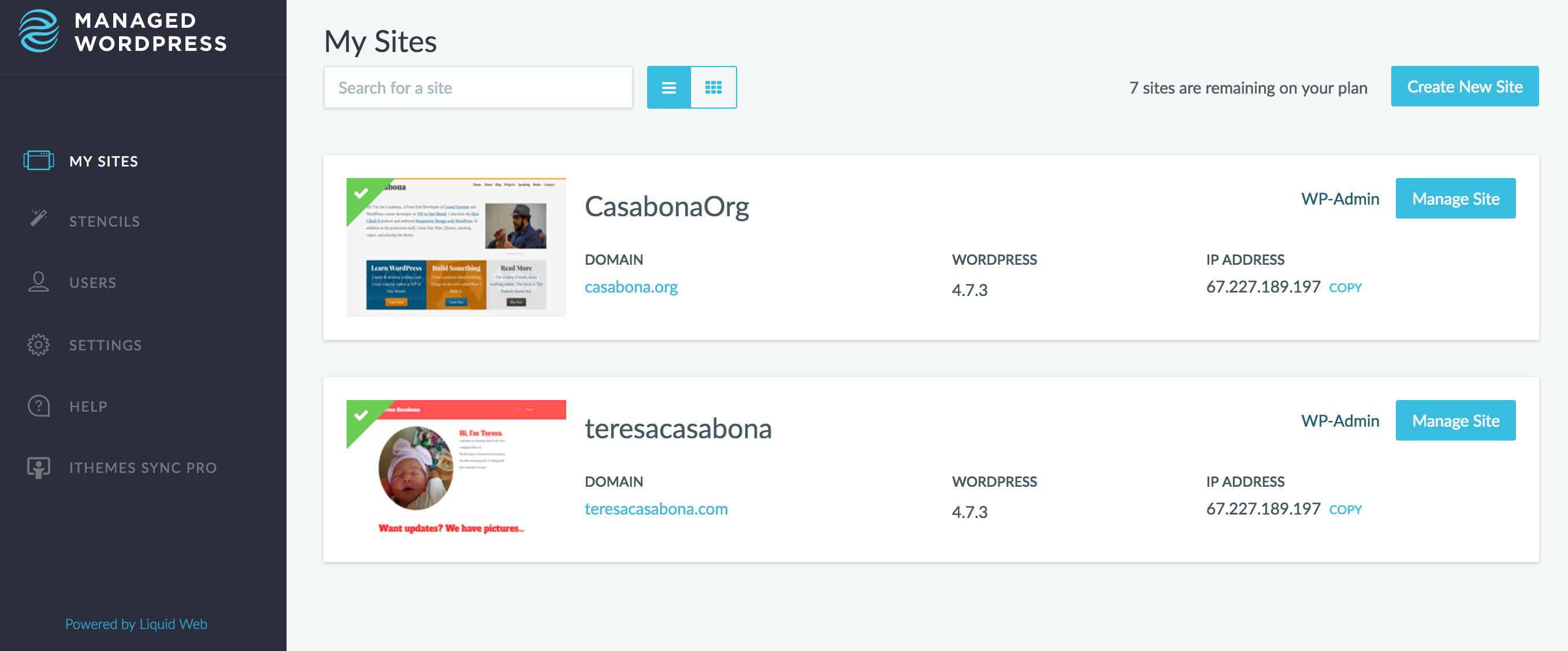
Now Hosted by Liquid Web!
The Hosting field is an ever-changing landscape that requires constant evaluation to make sure you’re getting the best bang for your buck…OK maybe that’s not necessarily true for most folks, but while transferring sites is a bit of a pain in the neck, I still like to make sure I have tried my fair share of web hosts so that I can offer the best recommendation. It’s why I’ve moved this site a few times, and why I’ve moved it again. This time, to Liquid Web.
I know what you’re thinking: Why move your site again? Well, over the last few months I’ve met a few great people over at Liquid Web who’ve been telling me about their service. My friend Chris Lema recently started working there and told me all of the cool stuff they’re working on for their Managed WordPress Hosting. Then I saw this nifty infographic.
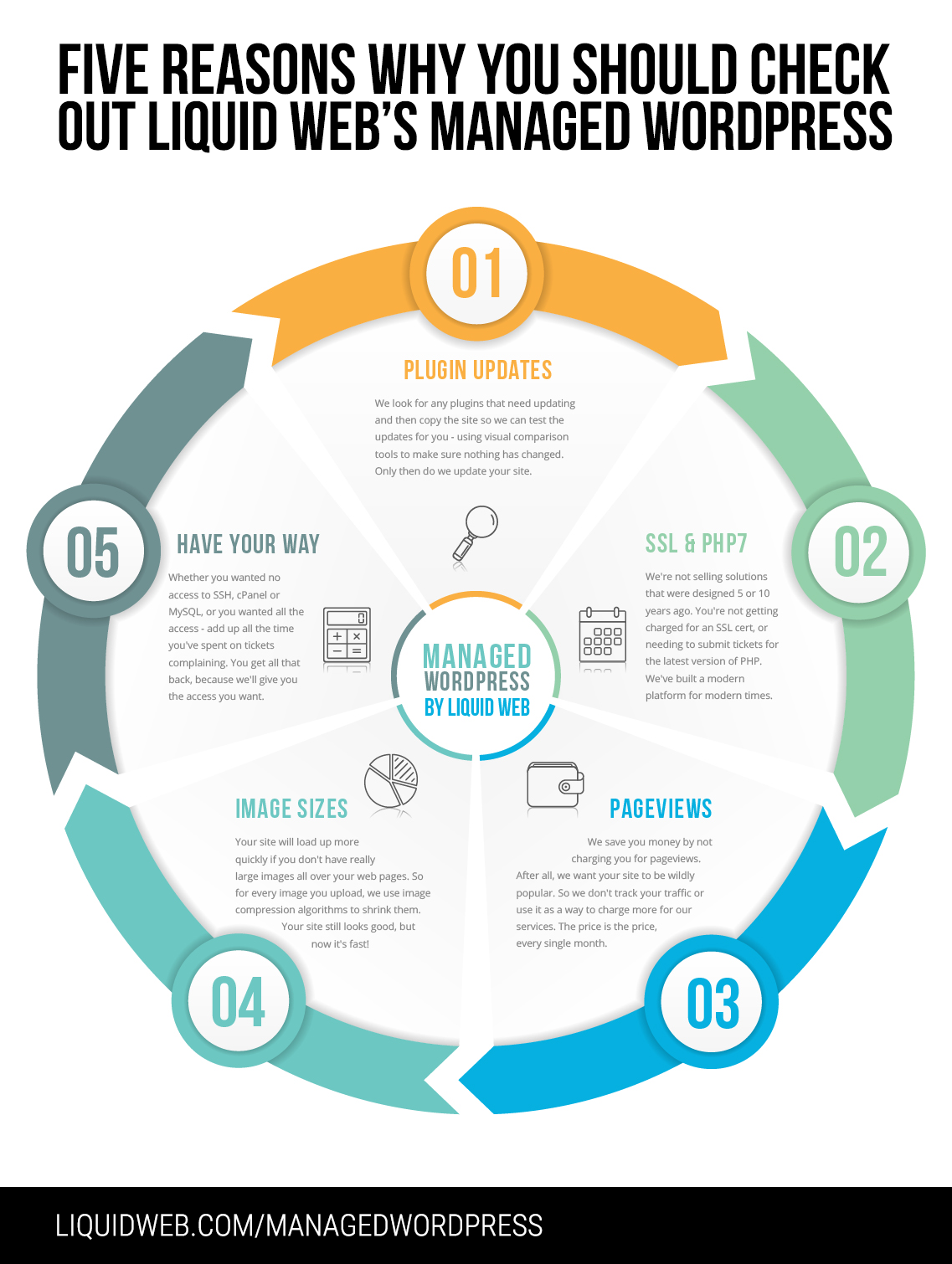
Something that made me really happy was not getting charged for pageviews. My previous host did that, which made it really hard to budget month-to-month. Aside from that, let’s break down some of the features I really like.
SSL & PHP7
OK so here’s a great thing: I didn’t need to do anything to get an SSL certificate. All I did was spin up a new WordPress install and import my site. I didn’t need to order anything new or even go through the Let’s Encrypt installation process. New site, automatic SSL. As for PHP7, that’s a relatively new and hot topic in the nerd community, but there’s lots of reasons to be on it. And once again, I didn’t have to do anything. All I did was spin up a new site.
Core & Plugin Updates
Sure. Lots of Managed WordPress Hosting does this sort of thing. They make sure WordPress is up-to-date, especially for minor releases. I host many sites with SiteGround and this aspect has been great. But Liquid Web has a great differentiator: Visual Comparison for plugin updates.
The short version is this: if you enable Plugin Updates on Liquid Web, they will automatically update your plugins if those updates don’t break your site. They will take pictures of your site before and after plugin updates and if there’s no visual differences, they will push the update. If there are, they’ll let you know. You can see it in action in the video below.
iThemes Sync Pro, Automatically
When you install a new WordPress site on Liquid Web you get some great plugins automatically, including iThemes Sync Pro. iThemes Sync Pro lets you manage lots of WordPress installs at once, and while it’s a separate service, automatic integration is really really nice. It’s made my life much easier!
Developer Level Access
Last, but not least, you get developer level access to your sites. Some Managed WordPress Hosts have certain tools or areas locked down or completely inaccessible. Not with Liquid Web. If I want to, I can SSH into my server and nerd out to my heart’s content. I know that’s not a feature for everyone, but it’s great for technically inclined users like me.
Performance, Security, and Much More!
There are tons of other features I haven’t touched on here. Things like image compression, malware scanning, smart optimization, automatic backups, and lots of other neat things. The best thing you can do is head over here to learn more. And hey – if you’re convinced but worried about migrating your site, don’t sweat it. They will migrate your site for you, for free.
