

Gutenberg Hits the Mainstream with WordPress 4.9.8
Last week, the WordPress Core Team released 4.9.8, which among other things, included the “Try Gutenberg” call to action. Since then, the amount of Gutenberg installs have exploded (63,000+ on day one – about 17% of all installs). Whether you’ve know about the new editor for a while, or just hear about it this week, it’s sure to have an impact on your website and business. Because of that, I’ve put together a free Gutenberg checklist for you.
What is Gutenberg?
If you don’t know, Gutenberg is the name of the new editor experience coming to WordPress. It will fundamentally change how we create content, for the better. Here’s the current editor – a big white box with some editing buttons (much like Word):
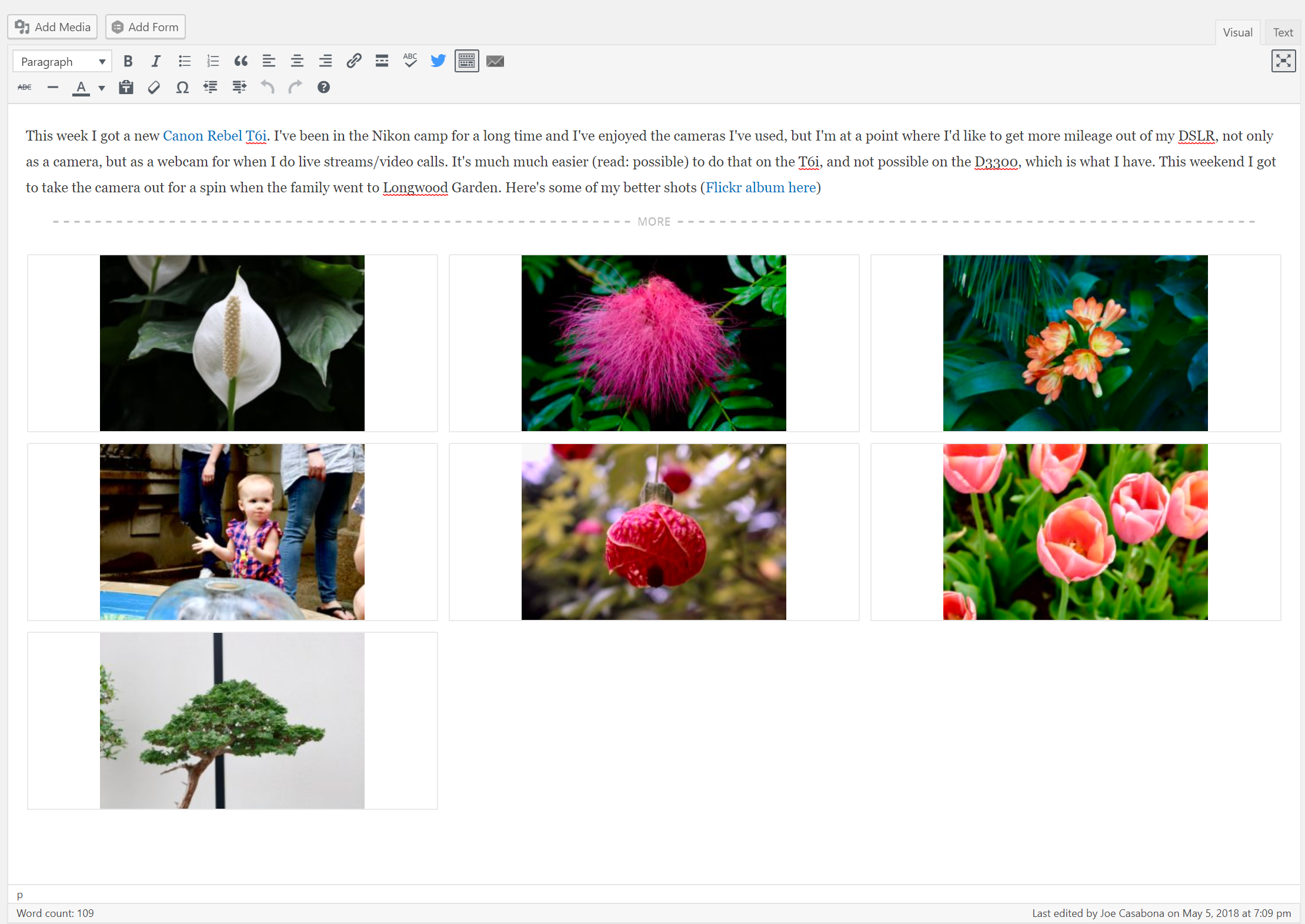
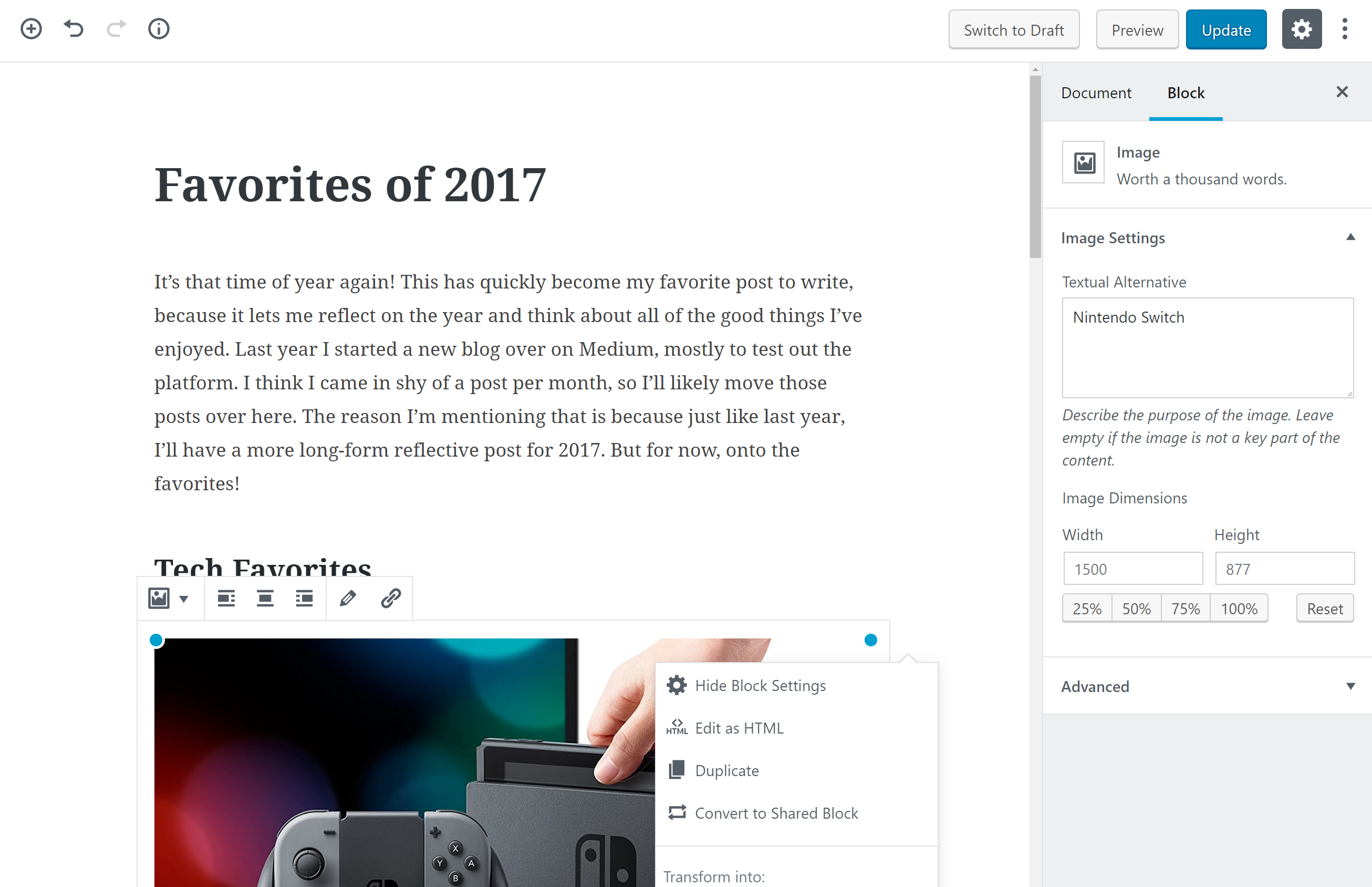
And here’s the new editor – employing content “blocks” that allow for more flexible, complex layouts:
Do I Have WordPress 4.9.8?
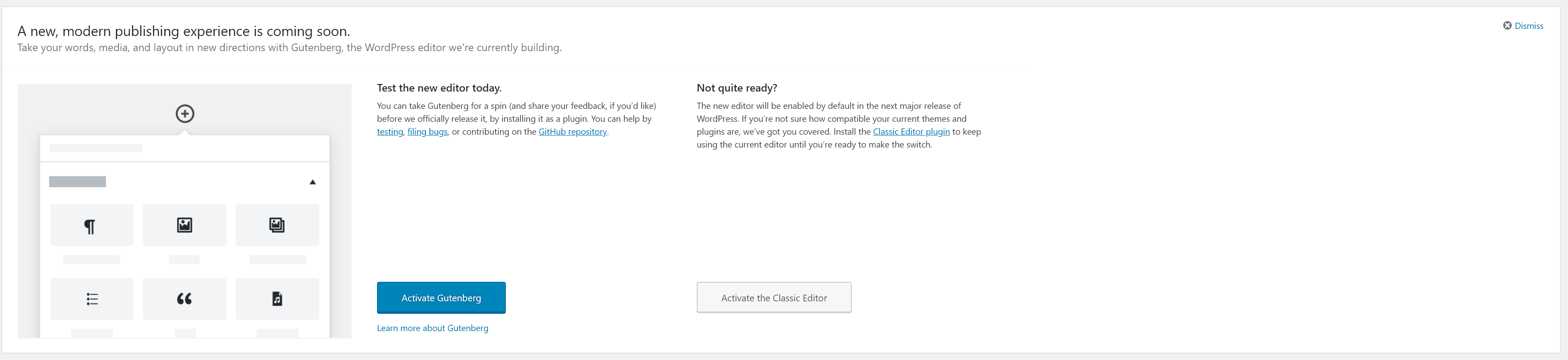
If you have automatic updates, then you do. If you’re unsure, you’ll definitely know because this notification will be at the top of your WordPress Dashboard:
How Will it Affect Content Creators?
The main way Gutenberg will affect content creators is it will change the way you write blog posts and pages. Yes, you can still start with a cursor and just start writing, same as always. But Gutenberg allows you to easily add more advanced elements, like big, full-width images, tables, and even columns to your content. You have a more “What You See is What You Get” experience.
It also means that there will be a small learning curve when you make the switch. I believe it will be easier for those new to WordPress, but for longtime users, you need to break the current habit.
How Will it Affect my Clients?
If you have clients who are using WordPress, or manage people who run WordPress sites, they have likely seen the “Try Gutenberg” call out. If they can install plugins, maybe they even installed it. Most probably ignored it though. I recommend you reach out to your clients/employees if they manage their own site (or even if they don’t) and let them know what’s going on.
The truth of the matter is when WordPress 5.0 comes out, you should upgrade either way. I recommend you test your clients’ sites with Gutenberg at least a little bit. If you need more time, you can install the Classic Editor plugin to disable it.
When is WordPress 5.0 Coming Out?
This seems to be a moving target, but it could be as early as September.
Worried? Download the FREE Gutenberg Checklist
Luckily, I’ve been using Gutenberg since January and have been following things closely. I understand how it works and what questions people are asking. And I’m updating my course accordingly. In the meantime, I’ve put together this free checklist for upgrading to Gutenberg. If you want to prepare for Gutenberg yourself, or want to pick it up for your clients, you can.
