
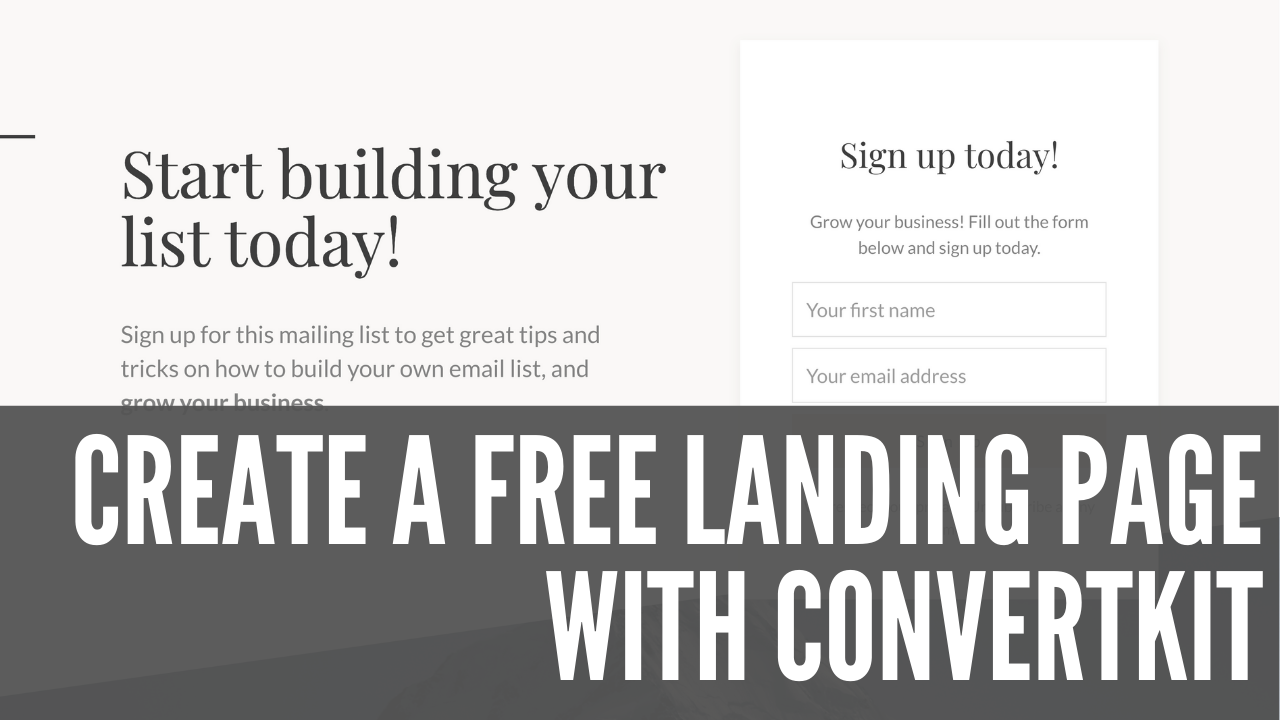
How to Create a FREE Landing Page with ConvertKit
|

How to Create a FREE Landing Page with ConvertKit

ConvertKit has recently opened up a free plan for people to build landing pages and forms so they can start building their email lists. And while usually you need to refer a friend or pay to see those subscribers and send emails, in this video, you’ll get a special link that will unlock 100 subscribers and broadcasts for free. You will also learn how to build a nice looking landing page to compel people to join your mailing list.

Watch the Video

Signing Up for a ConvertKit Account

Here’s the deal! If you Sign up for ConvertKit with my affiliate link – https://convertkit.com/JC116 – you get 100 FREE subscribers and broadcasts. That’s only available through ConvertKit’s affiliates!

After clicking the link, follow the on-screen instructions. In the video I choose:

  1. No I’m starting from with email
  2. I don’t have a website

After that, you’ll be logged-in to ConvertKit and you can click on the “Create New” button. You’re given the choice between form and landing page. Choose landing page.

Landing Page Tips

There are lots of templates to choose from. Pick what you like best! In the video we go with the Cedar template.

When coming up with copy:

  • State the benefit immediately. Don’t just say, “Join my mailing list.” What will readers get by signing up?
  • Add some copy that explains who you are, what problem you solve, and reinforce the benefit.
  • Customize the Thank you copy! Try to inject your own personality wherever you can.

Tell the World!

Now make sure to share that landing page everywhere. You can even connect a custom domain if you want. That’s coming in a future video, so stay tuned. Maybe even subscribe!

Similar Posts

  • |

    What CaboPress has to do with Cartography

    Recently I found myself thinking about early Cartographers and how they managed to create accurate maps. They’d use rudimentary tools, landmarks, and their own observations. In-fact, distances were often estimates due to lack of accurate measuring tools. That caused a lot of problems for travelers, would rely on those distances and measurements to get to…

  • | |

    Adjusting to Working from Home During the Pandemic

    With everyone still (mostly) staying at home, I’m sure we’ve all had to make adjustments to work. In my case, on the surface, it doesn’t look like a lot changed. Since I work from home, not a big change for me. Since my wife is a nurse, she still goes to work on her normal…

  • |

    Build Your Website Toolkit Cheaply on Black Friday

    Black Friday, Cyber Monday, and apparently the weeks before and after, nowadays, are a great time for you to pick up TVs, Appliances, and…software? Indeed, lots of online companies offer great deals (some even lifetime) around Black Friday. This can be very good for your business. Here’s a great toolkit you can make for cheap,…

  • |

    What I Learned from Asking, “How did you build that?”

    Over the last few months, I’ve interviewed dozens of people, asking a pointed question: “How did you build that?” In that time I learned common tools, business decisions, and generosity. Recently I gave a talk where I went through the most important lessons I learned, and some tools to get the job done.

  • | |

    Quick Tip: Download an Archive of your Facebook Data

    Note: This article was published while I was in my early 20s. I was much younger and dumber. Please don’t hold it against me. One of the perils of having a 20+ year old website!There’s a lot going on on the Internet right now. Websites getting hacked (Blizzard being the most recent), companies doing presumably…

  • | |

    Manage Email Correspondence with GMail

    Note: This article was published while I was in my early 20s. I was much younger and dumber. Please don’t hold it against me. One of the perils of having a 20+ year old website!This seems like a silly title, since GMail is an email client and all. However, wouldn’t it be nice if you…