
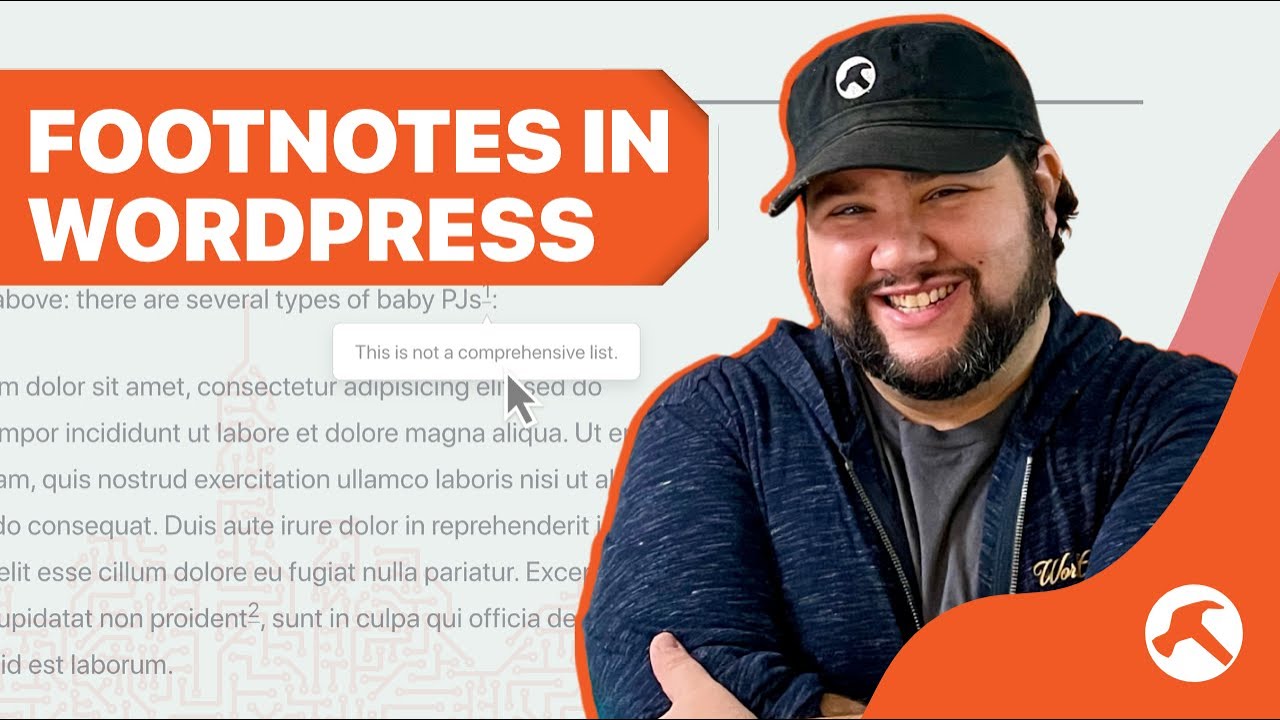
3 Ways to Add Footnotes to Blog Posts in WordPress

Adding footnotes to blog posts can be a great way to add extra context to your content without mucking up the main message. But if you’re using something like WordPress, how do you do it? Here are three ways we’ll explore:

1. Manually, using HTML markup
2. Using markdown in the wrtiting app Ulyssess (https://ulysses.app)
3. Using the plugin Easy Footnotes (https://wordpress.org/plugins/easy-footnotes/)

Join my mailing list! https://buildsomething.email

## Chapters
00:00 – Intro
01:17 – Using HTML
05:14 – Markdown in Ulysses
06:55 – Easy Footnotes Plugin
09:28 – Wrapping Up

~~~~~~~~~~~~~~~~~~~~~~~~
~~~~~~~~~~~~~~~~~~~~~~~~
To learn more, start here: https://casabona.org/start

Join my mailing list: https://buildsomething.email

Check out my Live Stream Gear: https://kit.co/jcasabona/youtube-live-stream-setup

Check out my Podcasting Gear: https://kit.co/jcasabona/my-podcasting-setup
~~~~~~~~~~~~~~~~~~~~~~~~
~~~~~~~~~~~~~~~~~~~~~~~~

Source

Similar Posts

  • How to Add Beautiful Podcast Subscribe Buttons to Your WordPress Site

    Have a clear way for podcast listeners to subscribe to your show is SUPER important. I recommend having a Subscribe page that you can use as the CTA in your episodes. But if you have a WordPress site, how do you add nice looking buttons? Using the Podcast Subscribe Buttons plugin of-course! * Podcast Subscribe…

  • How to Build a Killer Landing Page Thanks to Marketing Made Simple

    If you’re wondering how to build a killer landing page – from a content standpoint – this video is for you. I recently read Marketing Made Simple, worked along with the book, and built a MUCH better landing page for my course, Podcast Liftoff. Here’s how I did it, and why I chose the content…

  • Need Easy WordPress Staging? Try GeekBee Hosting

    Hosting companies, especially in the WordPress space, are a dime a dozen. But what if you just want a SUPER each way to create, deploy, and merge staging sites? What if you want super clear pricing? That’s where’ GeekBee comes in. While there are a few aspects of the hosting to be aware of, GeekBee…

  • How to Start Automating

    One quesiton I got recently is “how do I start automating?” So in this live stream, I’ll be talking through how I determine what to automate, where to look, and some simple tasks to get your feet wet!

    ~~~~~~~~~~~~~~~~~~~~~~~~
    ~~~~~~~~~~~~~~~~~~~~~~~~
    Join How I Built It PRO: https://howibuilt.it/pro

    Get free tips on growing and monetizing your podcast: https://profitablepodcaster.fm/tips

    Check out the Make Money Podcasting show: https://profitablepodcaster.fm/

    Check out my Live Stream Gear: https://kit.co/jcasabona/youtube-live-stream-setup

    Check out my Podcasting Gear: https://kit.co/jcasabona/my-podcasting-setup
    ~~~~~~~~~~~~~~~~~~~~~~~~
    ~~~~~~~~~~~~~~~~~~~~~~~~

  • Understanding A.I.’s Role in Online Course Creation

    If you create online courses, you won’t want to miss this very special discussion! I’ll be joined by Ronnie Burt, Business Lead at Automattic, who’s overseen development of the Sensei LMS plugin. We’re going to cover:

    – Managing emails for your online courses
    – A.I.’s role in assisting with online course creation.
    – Sensei’s upcoming A.I. Quiz Generator
    – Marketing automation tools for course creators and membership sites

    …plus we’ll be fielding questions live!

    This live stream is presented by Sensei. Learn more here: https://howibuilt.it/sensei

  • BLS Clip: Setting Fields Dynamically in Gravity Forms

    Welcome to another Clip from the Build Something Live Stream! In this one, we’re working with Gravity Forms to set fields dynamic, with a value passed via the URL. Catch the streams live by subscribing. OR get access to the archive by becoming a member: https://buildsomething.club ~~~~~~~~~~~~~~~~~~~~~~~~ ~~~~~~~~~~~~~~~~~~~~~~~~… Source