
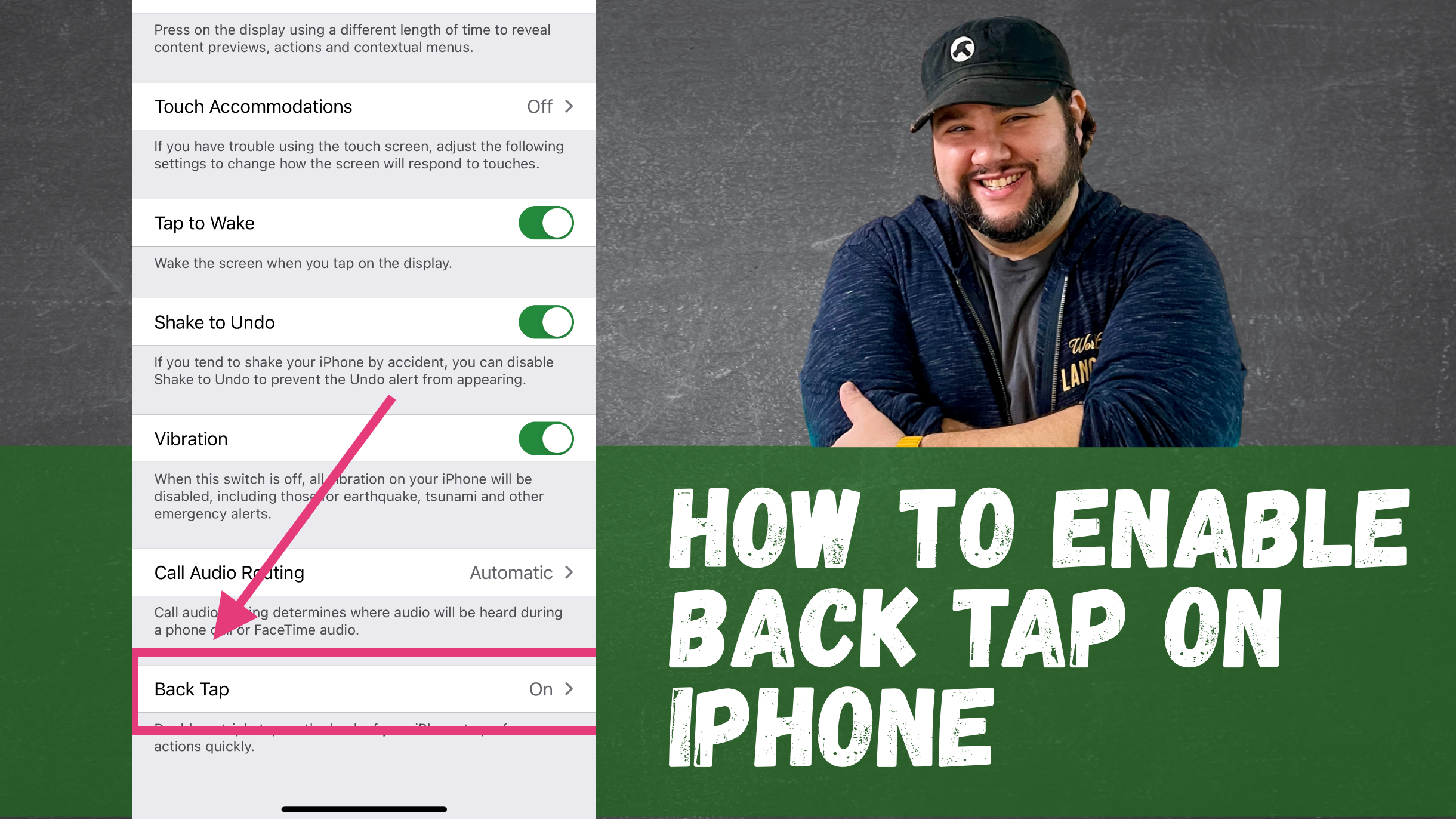
|

Using Back Tap on iPhone

I had the pleasure of participating in the GoWP Niche Agency Owners Happiness Hour recently and we talked all about tools (I didn’t know that going in, but as you can imagine I was pleased). Something I got to demo was how to turn on iPhone Back Tap (a feature in iOS 14 and up). Since many didn’t know about it, I thought it would be a good thing to demo here.

What is Back Tap?

Back Tap is an accessibility feature that allows you to set up actions when you double- or triple-tap the back of your iPhone. And while the preset actions are mostly accessibility related, you can also assign a shortcut.

How I’m Using Back Tap

The shortcuts can do just about anything, including open apps. So my back taps are:

  • Open Camera for Double Tap
  • Open Craft for Triple Tap

I thought a lot about what actions I wish I had quick access to when I have my phone in hand. Since I have small kids, the Camera is definitely a much. And since I always want to capture ideas quickly, a fast way to open my main ideas app, Craft, would be hugely helpful.

Since you can explicitly open apps with Back Tap (yet), I’d need to rely on those shortcuts. You can get the camera shortcut here.

How You Can Enable Back Tap

I put together a quick (less than 1 minute) video tutorial on how you can enable back tap. If you prefer to read it, 9to5Mac has a good write up.

Back Tap on iPhone is a HUGE time saver! How will you use it? Let me know in the comments!

Similar Posts

  • |

    April 9th: Articles Round Up

    Since I’ve been travelling and sick for the last few weeks I haven’t really done a good job of promoting some articles I’ve written across the web. In-case you missed it, here are some of my better works! Redesigned USA Today is Better than Ever: I review USA Today’s latest release for Android, focusing on…

  • Tools I’m Using to Avoid Spoilers

    Between a certain Game of Thrones and Avengers: Endgame, I’ve been seeing many complaints about things being spoiler on social media. Even with the lengths I went through when Infinity War came out, it was still spoiled because a careless YouTuber (me) let autoplay happen unregulated, and another YouTuber (the guy in the video) opened…

  • | |

    Eliminating Slack as a Distraction to Work Better

    One of my goals is to read 21 books this year, and I’m doing super well so far. After finishing the super dense (and very thought provoking) Homo Deus, I’m flying through It Doesn’t Have to be Crazy at Work. While the hubris of Jason Fried used to drive me crazy, I’ve read all of…

  • Quick Tip: Check to See if a Slug Exists in WordPress

    Recently I was doing some work where I was importing RSS entries into a Custom Post Type in WordPress. Since there were no common IDs between the feed and WordPress, to prevent duplicate entries I tried comparing titles. This also proved to be an issue as titles aren’t always unique, and they weren’t in this…

  • |

    My 2017 Learning Plan: Javascript Edition

    So…I write about learning a lot. Turns out, I really love learning. I also like coming up with plans about learning, and telling you about them. The last one that went really well was the one I did in January 2014, when I learned Sass. But now that I’m no longer at an agency, I…