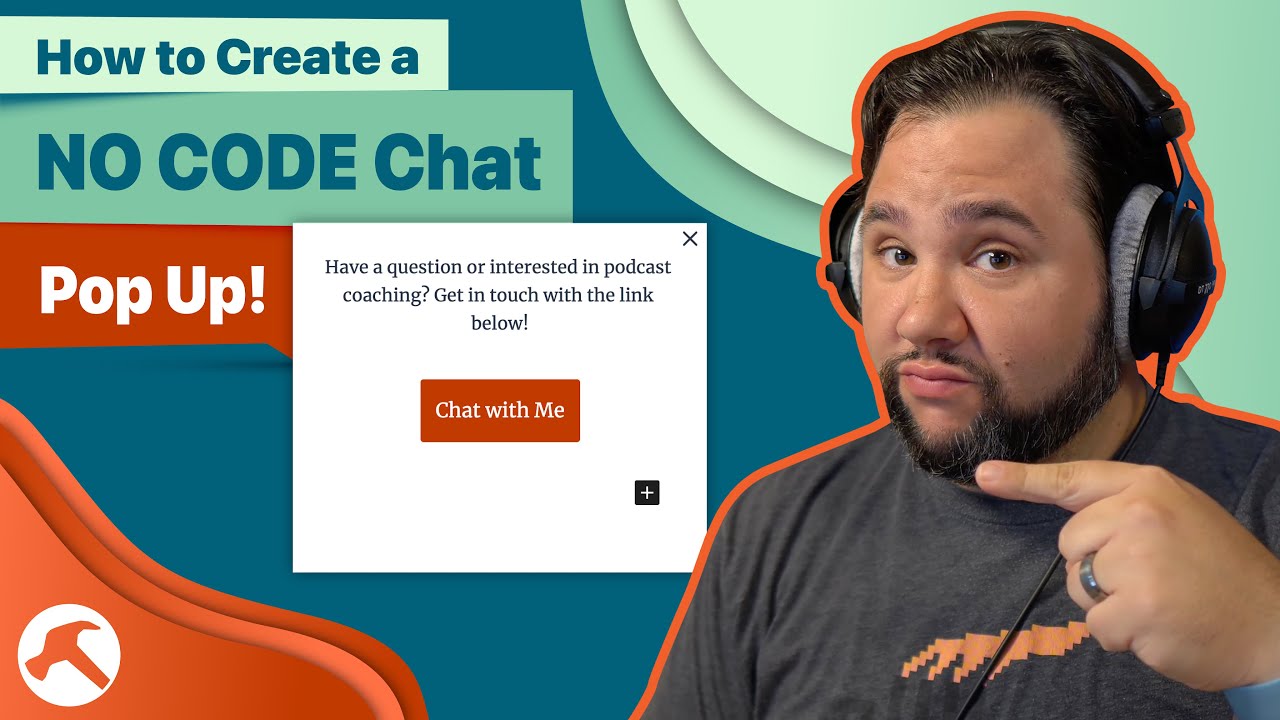
How to Create a NO CODE Chat Pop Up!


Chatbots seem to be increasingly popular on websites but can add unnecessary bloat – especially if they aren’t used that often. But what if you could easily add a no-code “chat” popup that displayed a form, or took people to a place where they could leave a video message? You’ll…

Source

Similar Posts

  • Live: Automation Q&A

    Have questions about automation, automation tools, or how to improve your processes? Join me to get the answers!

    ~~~~~~~~~~~~~~~~~~~~~~~~
    ~~~~~~~~~~~~~~~~~~~~~~~~
    Join How I Built It PRO: https://howibuilt.it/pro

    Get free tips on growing and monetizing your podcast: https://profitablepodcaster.fm/tips

    Check out the Make Money Podcasting show: https://profitablepodcaster.fm/

    Check out my Live Stream Gear: https://kit.co/jcasabona/youtube-live-stream-setup

    Check out my Podcasting Gear: https://kit.co/jcasabona/my-podcasting-setup
    ~~~~~~~~~~~~~~~~~~~~~~~~
    ~~~~~~~~~~~~~~~~~~~~~~~~

  • How to Blink Your Hue Lights When Someone Buys a Super Chat!

    Super Chats and Super Stickers are a great way to monetize your YouTube Live Streams and Premeires, but you also want to show your love to people who support you directly! Well, with IFTTT and some smart lights, you can have a mini-celebration with blinking lights whenever someone gives you a super. Here’s how. Join…

  • Use THIS Form Block for ConvertKit Email Optin Integration with WordPress

    When building content, a crucial component of any page is an email optin form. One of my favorite features of page builders for WordPress, like Beaver Builder is the fantastic integration with most Email Service Providers, including ConvertKit. There aren’t many blocks out there for Gutenberg that work as well. However, Kadence’s forms block DOES…

  • Free Webinar: Repurposing Content for Your Podcast

    ***REGISTER HERE FOR ACCESS: https://podlift.me/repurpose-webinar ***

    Trying to Create Content Everywhere is Exhausting!
    Depending on the guru of the day, you need a podcast, you need to be on TikTok, you need to be posting on LinkedIn. And don’t forget your own blog and newsletter! Trying to create content for all of these properties can lead to burnout fast.

    But what if there were a better way? There is! Content repurposing isn’t new, but with the right system in place, it can turn your content creation process into a well-oiled machine.

    There’s a reason I’m able to publish 3 podcast episodes per week, 3 newsletters, and post on LinkedIn daily. And that’s my content flywheel.

    In this 60-minute webinar, I’ll show you how to:

    Capture content ideas as easily as possible
    Build your own content flywheel from content you’ve already created
    Keep track of everything with a little automation (with free resources)
    Create a 2-way street where you’re repurposing for, and from, your podcast.
    …plus a Q&A session where you can ask any question you’d like.

    ***REGISTER HERE FOR ACCESS: https://podlift.me/repurpose-webinar ***

  • Full Site Editing: Core Features (FREE PREVIEW)

    WordPress 5.8 has already introduced some key full site editing features into Core already, so let’s take a look at those – in particular, the page template editor – in this FREE preview of my Master Full Site Editing course. Source

  • The Right Way to Answer Security Questions with 1Password

    You’ve seen the memes go around the internet. What was your first car? Respond with your first pet’s name! Then the nay sayers: “Sounds like a phishing attack to me.” But they offer no solution. Well here it is: a way to safely answer and store unguessable security questions. using 1Password. ~~~~~~~~~~~~~~~~~~~~~~~~ ~~~~~~~~~~~~~~~~~~~~~~~~ To learn…