

The Hunt for Good Webinar Software
Yesterday, I gave a fantastic webinar on creating an Event Registration Form with Gravity Forms and decided to try something other than Zoom Webinars. I love Zoom and use it for all of my meetings, but my goal for attendees is to make is as easy as possible without the need for them to download anything extra. So far, I’ve looked at 3.
Zoom Webinars
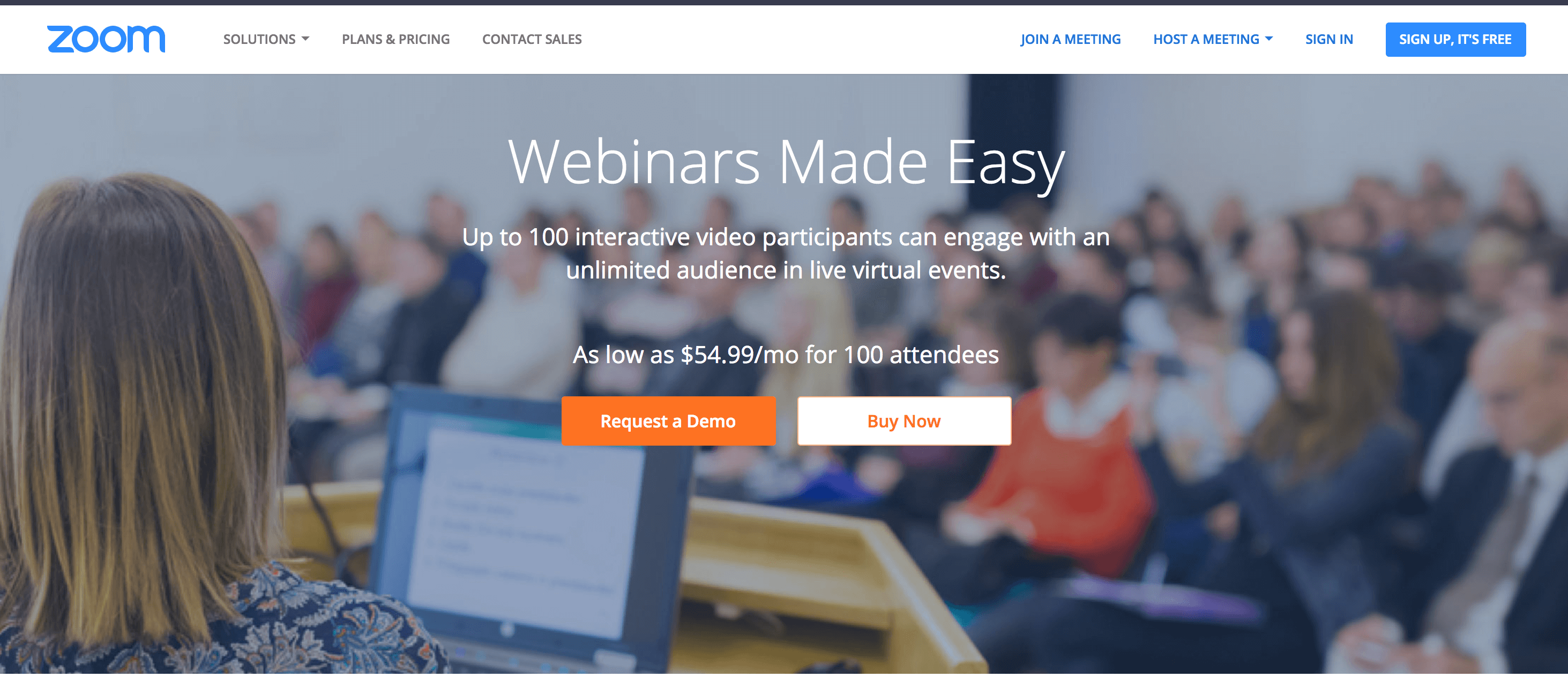
Zoom Webinars is the software I used for a while when I first started doing webinars. I love Zoom Meetings because it’s super reliable and easy to use. It’s well worth the price to not deal with the headaches of Google Hangouts.
The only drawback I saw with Zoom Webinars was that users had to download Zoom in order to participate. That might still be the case to get the full effect (raise hand, become the host, ask Questions using their UI), but after I started writing about this, my friend Brian pointed out that Zoom Webinars lets you stream to both YouTube Live and Facebook Live. Looks like I’ll have to revisit them soon. Though another big reason I decided to move away was cost. We’re looking at $15/mo for Zoom + $49/mo for the Webinar feature. That’s a lot of bread!
Webinar Ninja
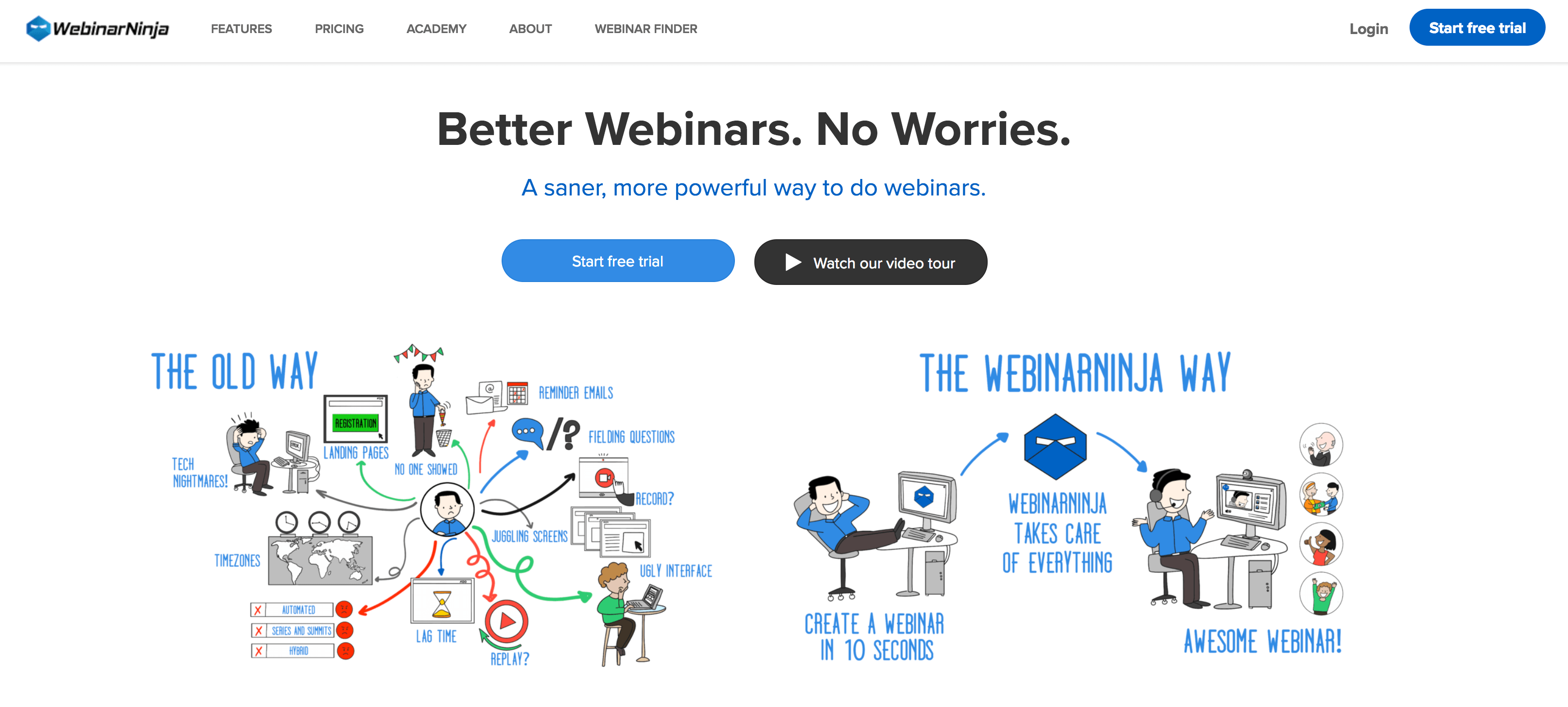
I signed up for the free trial yesterday to give Webinar Ninja a try because I liked the price point and it seemed pretty good. I heard about it from a few folks who do regular webinars as well. They also do everything through browser-based streaming technology, so there was no delay between when I spoke and when the attendees saw it.
That said, I was pretty disappointed in it from the very beginning. Turns out users need to have an account to view webinars (which I found is common) but I had a hard time navigating and customizing the screens – especially the registration page. My webinar somehow went live and I couldn’t turn it off, which prevented me from deleting the webinar too. That, along with a few other UI mishaps and I quickly decided that Webinar Ninja was not for me.
One other odd thing I noticed was that it will create a subdomain for you (mine was goodhouse.webinarninja.com) but that resulted in a 404. I’d love to see a list of all the user’s webinars there.
Crowdcast.io

Crowdcast is the one I’ve decided to go with. Their price is great, it’s used by a lot of folks in my industry, and it’s been easy for me to use as both a host and an attendee. While I do have a couple of requests (like the ability to pop-out chat) I plan on exploring Crowdcast more over the next month and really see what I can do with it.
Other Recommendations
I’m also looking for other recommendations! My requirements are pretty simple, I think:
- No need to users to download 3rd party software (the ability to stream in-browser)
- Chat/Questions section
- Replays
- Downloadable recordings
- Collect email addresses
- Charge for Webinars
My friend Chris recommend BigMarker, which I’m also going to check out. If there’s something you know and love (and meets the above requirements), feel free to leave a comment below!

You might want to have a look at Livestorm.co 🙂
Thanks for the article. Check out GoToWebinar, it is the webinar hosting version of GoToMeeting. It worked well for a previous employer of mine and I believe it meets most of your credentials, although the cost can be high.