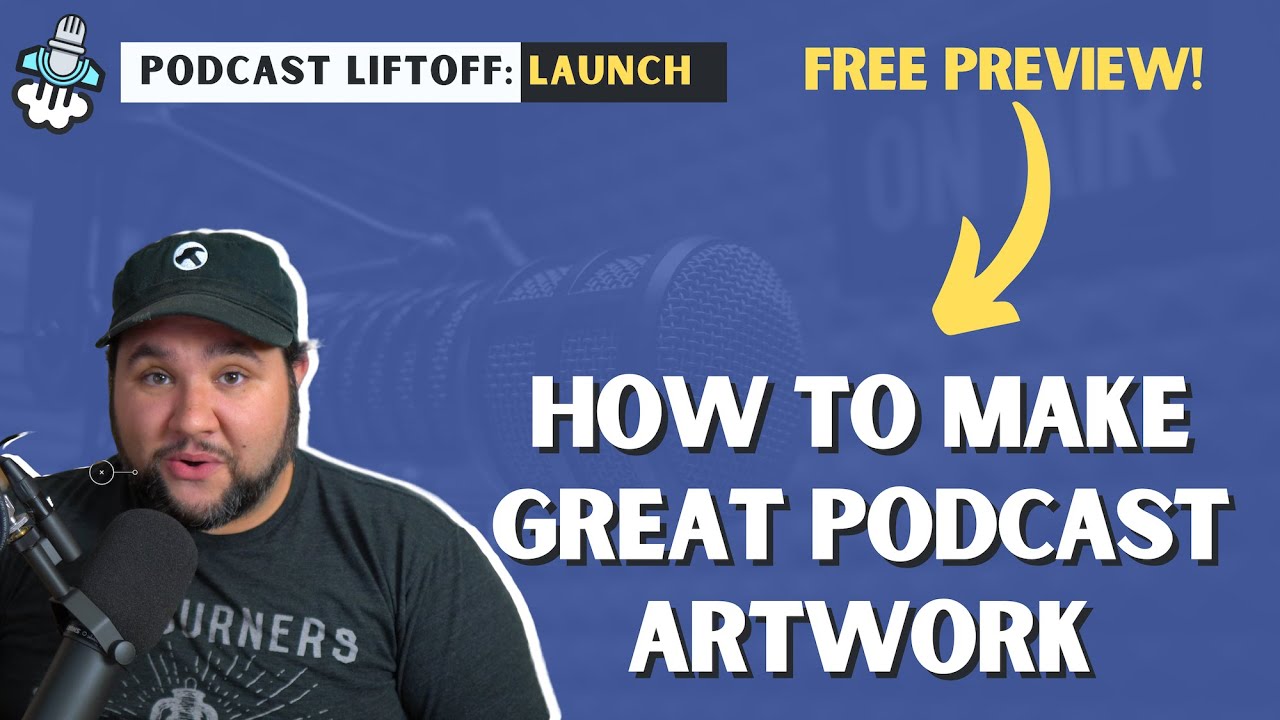
Creating Great Podcast Artwork (FREE Podcast Liftoff Preview)


This is a free lesson from my Podcast Liftoff: Launch course. If you like it, enroll. Use the code BUILD for 10% off!

Enroll here: https://podcastliftoff.com

Most people will judge your show by your artwork, so you’ll want to make it look good. There are a few good guidelines for creating your show’s art that will help it stand out.

Source

Similar Posts

  • Improve Your SEO in 5 Minutes (ahrefs Tutorial)

    One of the hardest things to do for your website is organic SEO. Yes, there are things like site structure, using the right headings, making it accessible. Then there’s long form content, but what about the overall health of your site? How many links are going to 4 0 4 errors? How many don’t have a canonical URL? ahrefs can help you fix and fix those issues.

    Here’s how I DOUBLED my site health in a matter of minutes thanks to ahrefs.

    Check them out and get a free 7-day trial: https://joe.casa/ahrefs

    ~~~~~~~~~~~~~~~~~~~~~~~~
    ~~~~~~~~~~~~~~~~~~~~~~~~
    Join How I Built It PRO: https://howibuilt.it/pro

    Get free tips on growing and monetizing your podcast: https://profitablepodcaster.fm/tips

    Check out the Make Money Podcasting show: https://profitablepodcaster.fm/

    Check out my Live Stream Gear: https://kit.co/jcasabona/youtube-live-stream-setup

    Check out my Podcasting Gear: https://kit.co/jcasabona/my-podcasting-setup
    ~~~~~~~~~~~~~~~~~~~~~~~~
    ~~~~~~~~~~~~~~~~~~~~~~~~

  • Rebuilding a WordPress Site Using ONLY Full SIte Editing!?

    Who is Full Site Editing really for? That all depends on what we can do with it. So today, I’m putting it to the test. I’m going to convert my long-standing personal website, Casabona.org from Kadence Pro and Kadence Blocks to stock WordPress, Twenty Twenty-Two, and Full Site Editing. I’m using NO extra plugins or patterns. Just whatever comes in a fresh WordPress install. Let’s see how it goes!

  • New Channel + Announcements

    Hey All! Just wanted to make a quick video on a few announcements. The first is that How I Built It episodes are being published on their own channel now. I’d love if you could subscribe over there: https://howibuilt.it/youtube The other is around new content I’m creating! ~~~~~~~~~~~~~~~~~~~~~~~~ ~~~~~~~~~~~~~~~~~~~~~~~~ To learn more, start here: https://casabona.org/start…

  • Can We Make WordPress Look Like MasterClass WITHOUT Code (Sensei Tutorial)

    One of the most frustrating things about creating an online course is it doesn’t always feel like you have control over the user experience. Either you are using something like Kajabi or Teachable, and you’re basically beholden to the user experience they’ve prescribed for you and your users, or you’re using your own self-hosted platform, and you probably need to hire a developer to completely customize it.

    Well, today I’m going to show you Sensei and the new Course theme and how you can get a lot of customization done by just using the tools that they’ve made available to you.

    If you want 20% off Sensei Pro, go here: https://senseilms.com/coupon/JOECASABONA
    Type in JOECASABONA at checkout!

    ~~~~~~~~~~~~~~~~~~~~~~~~
    ~~~~~~~~~~~~~~~~~~~~~~~~
    Join How I Built It PRO: https://howibuilt.it/pro

    Get free tips on growing and monetizing your podcast: https://profitablepodcaster.fm/tips

    Check out the Make Money Podcasting show: https://profitablepodcaster.fm/

    Check out my Live Stream Gear: https://kit.co/jcasabona/youtube-live-stream-setup

    Check out my Podcasting Gear: https://kit.co/jcasabona/my-podcasting-setup
    ~~~~~~~~~~~~~~~~~~~~~~~~
    ~~~~~~~~~~~~~~~~~~~~~~~~
  • |

    Save Time and Embarrassment with TextExpander

    How many typos do you make when you’re writing? How many times do you need to retype emails you’ve already written? Or find URLs, emails, and other information you wish you had readily available? You need a tool to help you manage all of this and save you time. That’s where TextExpander comes in.

  • How I’ve Configured my Stream Deck

    Perhaps the best device for live streaming and video production is the Stream Deck. You can do anything from switch scenes in eCamm Live or OBS, to control lights, to even run your own automation through IFTT, Keyboard Maestro, or Shortcuts. Here’s a tour of my Stream Deck – how… Source
