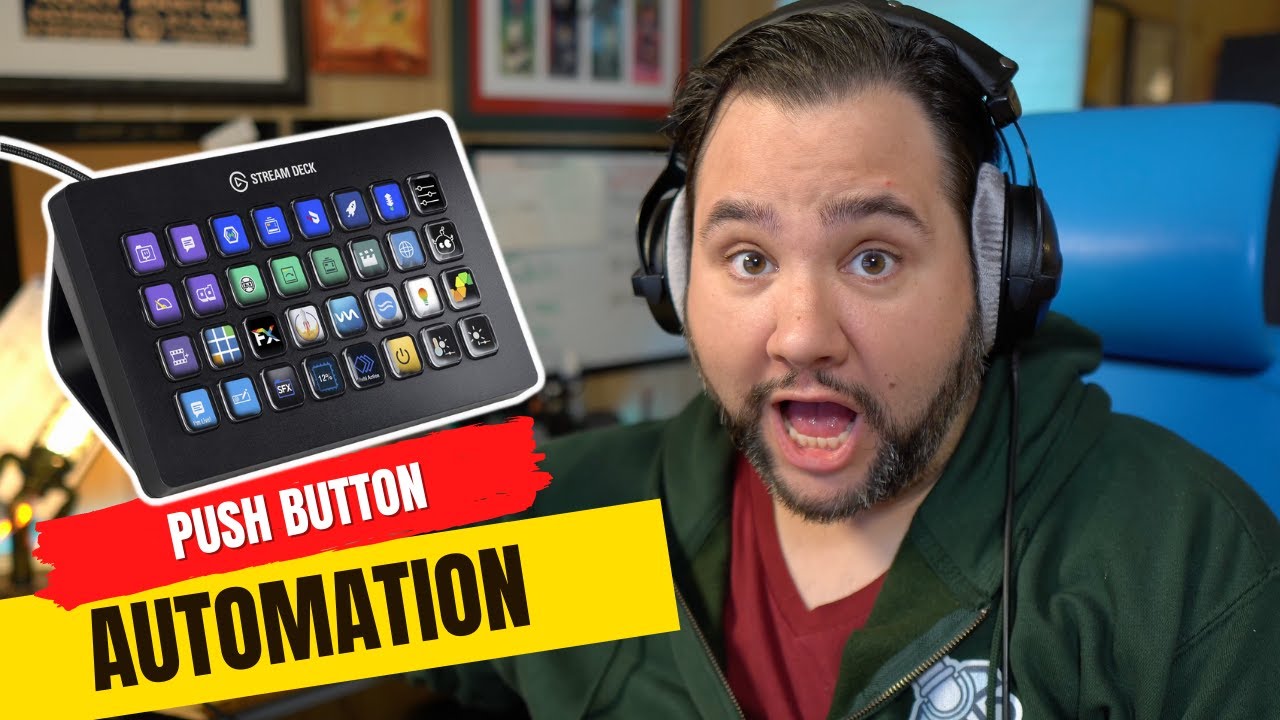
How I’ve Configured my Stream Deck


Perhaps the best device for live streaming and video production is the Stream Deck. You can do anything from switch scenes in eCamm Live or OBS, to control lights, to even run your own automation through IFTT, Keyboard Maestro, or Shortcuts. Here’s a tour of my Stream Deck – how…

Source

Similar Posts

  • Improving my Guest Onboarding Automation with Airtable

    I’m building in public! While my podcast guest onboarding is a pretty well-oiled machine, I had a conversation last week that made me realize it can be even better. In this live stream I’m going to:

    1. Create a single form (instead of 2 for invited and suggested guests)
    2. Ask for headshot and bio up front
    3. Pre-populate Calendly
    4. Build a better show notes template

    We’ll see how much I can get to!

  • New Channel + Announcements

    Hey All! Just wanted to make a quick video on a few announcements. The first is that How I Built It episodes are being published on their own channel now. I’d love if you could subscribe over there: https://howibuilt.it/youtube The other is around new content I’m creating! ~~~~~~~~~~~~~~~~~~~~~~~~ ~~~~~~~~~~~~~~~~~~~~~~~~ To learn more, start here: https://casabona.org/start…

  • Free Webinar: Repurposing Content for Your Podcast

    ***REGISTER HERE FOR ACCESS: https://podlift.me/repurpose-webinar ***

    Trying to Create Content Everywhere is Exhausting!
    Depending on the guru of the day, you need a podcast, you need to be on TikTok, you need to be posting on LinkedIn. And don’t forget your own blog and newsletter! Trying to create content for all of these properties can lead to burnout fast.

    But what if there were a better way? There is! Content repurposing isn’t new, but with the right system in place, it can turn your content creation process into a well-oiled machine.

    There’s a reason I’m able to publish 3 podcast episodes per week, 3 newsletters, and post on LinkedIn daily. And that’s my content flywheel.

    In this 60-minute webinar, I’ll show you how to:

    Capture content ideas as easily as possible
    Build your own content flywheel from content you’ve already created
    Keep track of everything with a little automation (with free resources)
    Create a 2-way street where you’re repurposing for, and from, your podcast.
    …plus a Q&A session where you can ask any question you’d like.

    ***REGISTER HERE FOR ACCESS: https://podlift.me/repurpose-webinar ***

  • Branding for Podcasts

    **Sign up at https://podlift.me/branding-webinar for reminders and free resources.

    There’s so much to think about when you launch a podcast that it’s easy to overlook some stuff. But something you definitely shouldn’t overlook is your branding.

    It helps tell people what they can expect from your show, and who it’s for. But how do you brand a podcast?

    That’s what we’ll cover in this webinar.

    In this 60 minute webinar, you’ll get:

    How to position your podcast by defining your mission statement
    Creating your brand ethos and values
    How to make your personality shine through
    Colors and Fonts
    Leveraging all of this this through a mini podcast.

    Sign up at https://podlift.me/branding-webinar for reminders and free resources.