
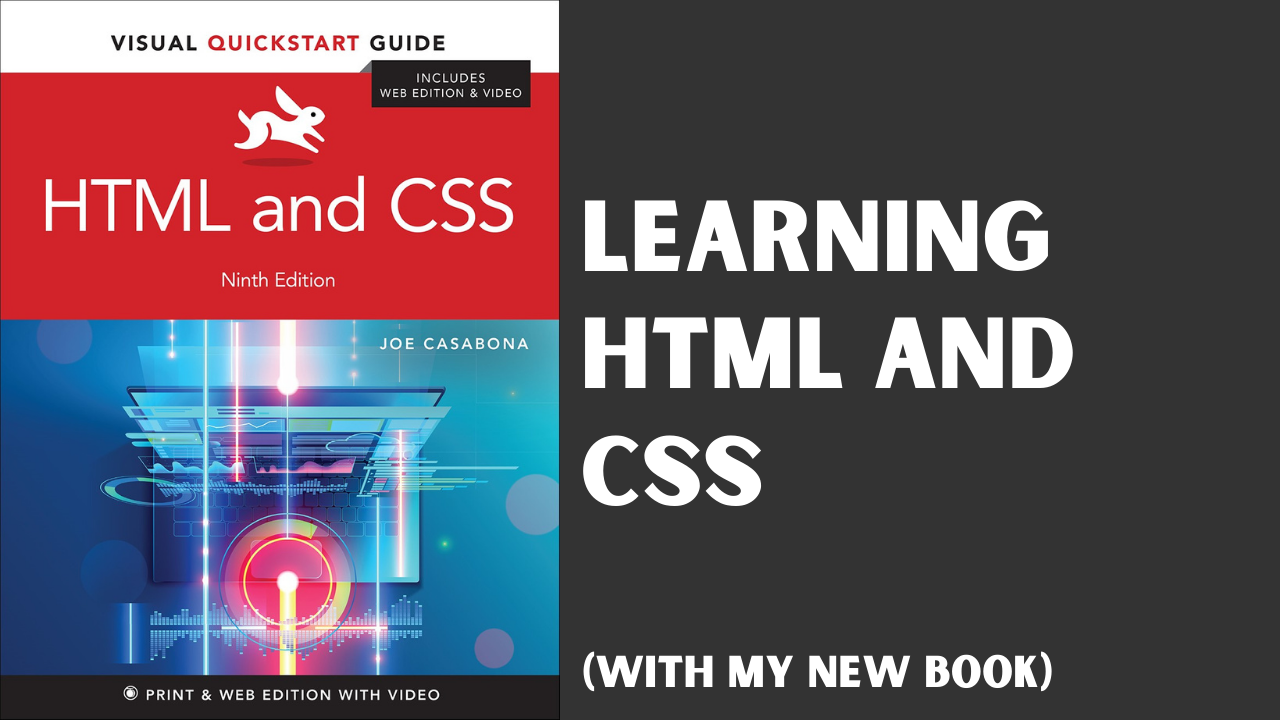
Learning HTML and CSS (with My New Book, Out Now!)
I’ve always been a learn-by-doing kind of guy. Maybe it’s because I’m thinking about other things when something is explained to me, or maybe people are bad at explaining things. But either way, a concept doesn’t really sink in until I do it, or until I see an immediate application for it. When I learned HTML and CSS, I learned it by doing it. I’d make a page in Microsoft Front Page one then see what the generated source looked like.
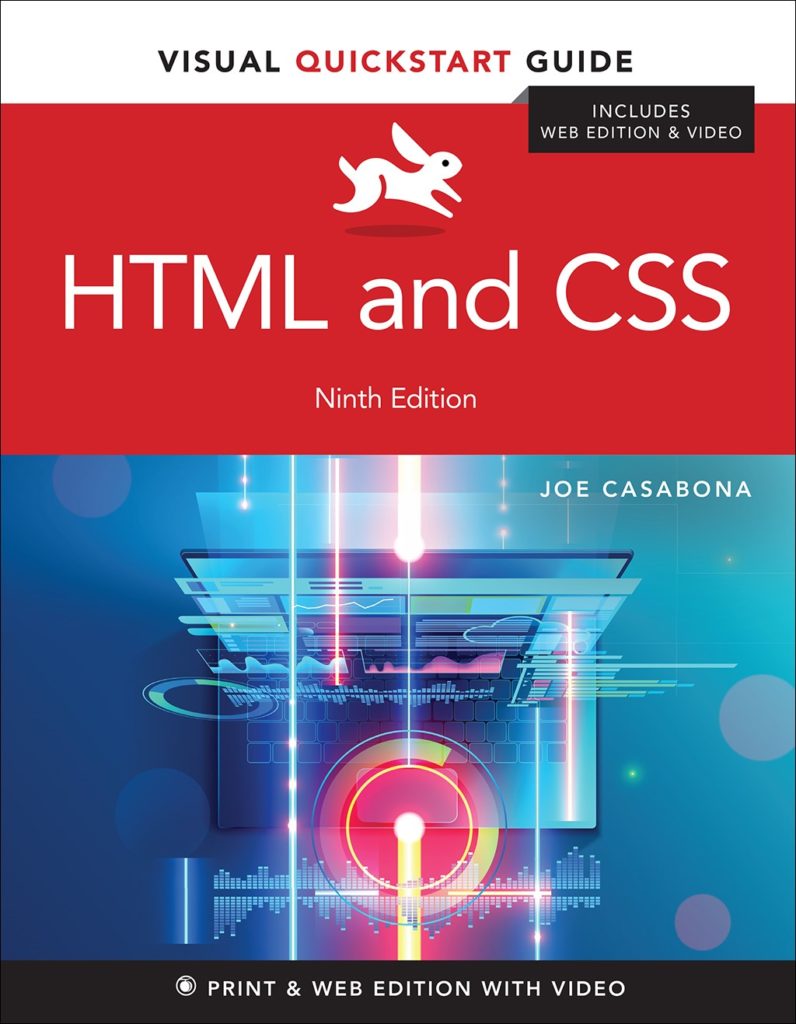
Eventually, when I moved to using Notepad (or more accurately, Notepad++), I’d try something and see what happens, or copy someone else’s source and modify it. It wasn’t ideal, and today there are lots of great alternatives. I’m happy to add a new one to the fray: my new book, HTML and CSS: Visual QuickStart Guide.
Writing a New Book
It had dawned on me in March of 2019 that it my book (Responsive Design with WordPress) was coming up on its 6 year anniversary. I had an itch to write a new book. While I’m mostly in the online course space now, there’s still something about putting words on a page (and seeing those words printed in real life).
I reached out to my publishing company, Peachpit, to see if they’d like to do a second edition of Responsive Design with WordPress, but was told that the book was actually going out of print. Apparently people don’t buy that many WordPress development books!
My editor did offer me an alternative though: to re-write (from scratch), the 9th edition of HTML and CSS: Visual QuickStart Guide.
Wider Reach, and a Great Opportunity
I was exited about this! An HTML and CSS book has much broader appeal (a book doesn’t get to 9 editions without it), and since I taught it at The University of Scranton, I could update this classic textbook to fit today’s students.
On top of the book, there is also a video component, so I could tackle more interesting concepts and do more show and tell!
Re-Learning HTML and CSS
This book is for the beginner beginner – like no experience whatsoever. That means we started with what is a website, how do you make one, and what are files?
It means something else too: I needed to essentially re-learn HTML and CSS. Not in the “how does this work and why does it exist” sense. But I’m basically self-taught, and I’ve been writing HTML and CSS for nearly 20 years. If I’m teaching beginners, I need to make sure of two things:
- My experience doesn’t color what I decide to teach in the book
- I use the right terminology
For the first point, I had about 350 pages to teach HTML and CSS – two vast topics. That means we aren’t covering everything. I needed to figure out what is important, where I should go deep, and where I should point to other resources. I also needed to make sure I used good, real world examples and provide the right context.
For the second, let me tell you: there are a lot of colloquialisms in web development. I didn’t realize it until my copy and tech editors pointed out that terms I thought were common make no sense to beginners. I also tended to use terms that weren’t “exactly” right. Though they are commonly used a certain way among developers, to a beginner they won’t make much sense.
One example is “framework” vs. “library.” Using tag and element, or properties and rules interchangeably are other examples. We wanted to make sure we were teaching everything the exact right way. MDN was a HUGE help here.
I get into the process a bit more here:
And I’ll likely do a follow-up. Leave questions in the comments!
A Fantastic Resource
All-in-all, this book (which is over a year in the making) turned out to be what I believe is a fantastic resource for learning HTML and CSS. I know I’ll reference it when I need to.
If you want to get into web development, you need HTML and CSS. Whether you want to make simple web pages, or tweaks to a WordPress or Squarespace site.
HTML and CSS: Visual QuickStart Guide is out now, and it will help. Get your copy today!
