BSL Clip: Using the Concepts iPad App for Public Speaking Talks

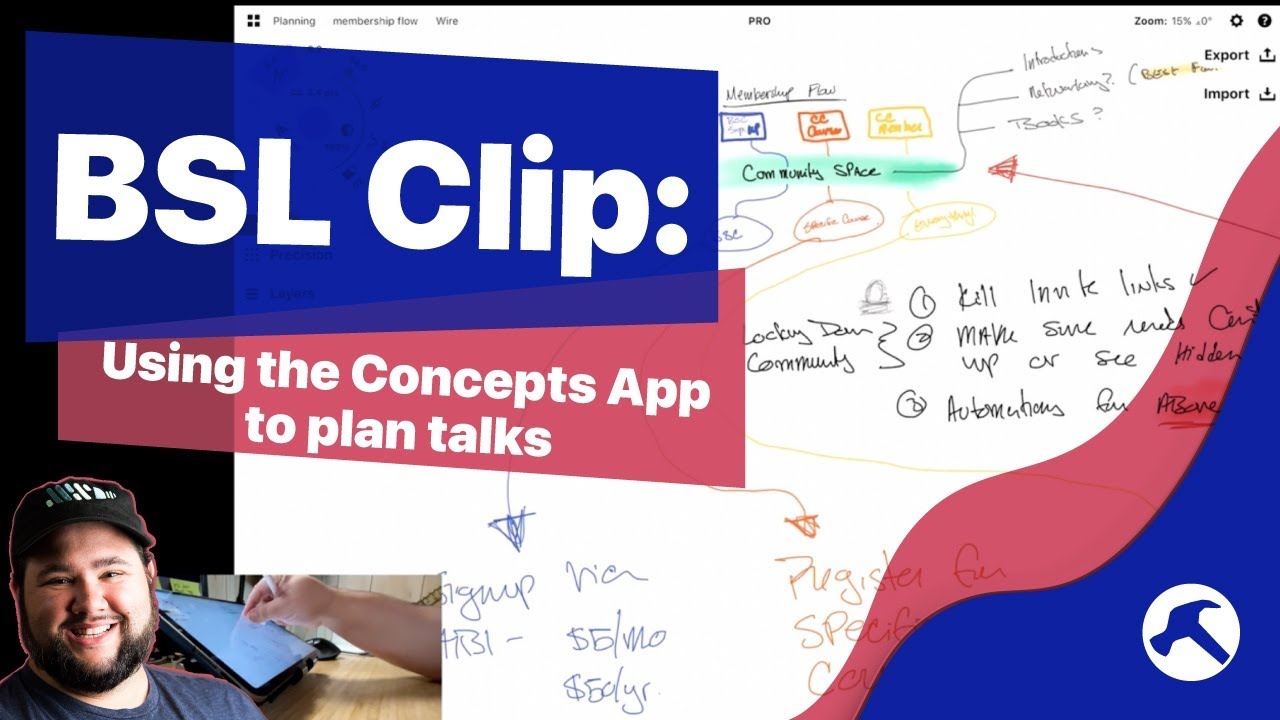
Welcome to another Clip from the Build Something Live Stream! I love public speaking, and in this one I’m planning out a talk and my slides using the infinite canvas app Concepts on my iPad.

Concepts App: https://concepts.app/en/
iPad Pro 11” 2021: https://amzn.to/3hPi7H2
Apple Pencil: https://amzn.to/3AOkUIX
Satechi Stand: https://amzn.to/3k1xvTm

Catch the streams live by subscribing.

OR get access to the archive by becoming a member: https://buildsomething.club

Source

Similar Posts

  • Live: Automation Q&A

    Have questions about automation, automation tools, or how to improve your processes? Join me to get the answers!

    ~~~~~~~~~~~~~~~~~~~~~~~~
    ~~~~~~~~~~~~~~~~~~~~~~~~
    Join How I Built It PRO: https://howibuilt.it/pro

    Get free tips on growing and monetizing your podcast: https://profitablepodcaster.fm/tips

    Check out the Make Money Podcasting show: https://profitablepodcaster.fm/

    Check out my Live Stream Gear: https://kit.co/jcasabona/youtube-live-stream-setup

    Check out my Podcasting Gear: https://kit.co/jcasabona/my-podcasting-setup
    ~~~~~~~~~~~~~~~~~~~~~~~~
    ~~~~~~~~~~~~~~~~~~~~~~~~

  • Answering the Most Asked WordPress Questions (According to Google)

    There’s a lot to know about WordPress and how it works. Sometimes it can be overwhelming. So you Google. But you’re not sure if they answers you’re getting are the right answers. So today, I’m answering the top questions about WordPress, using Google Autocomplete. We’ll look at the Who, What, Where, When, Why and How…

  • What’s New with WordPress 5.9 (Full Site Editing!)

    [embed]https://www.youtube.com/watch?v=Bely-Xqyzy8[/embed]

    After being delayed for more than a month, WordPress 5.9 is here as the first major release of 2022, and it’s a big one that ushers in the era of Full Site Editing. There’s also a new theme, a Block Patterns directory, and lots of features, so let’s dive in!

  • Free Webinar: Repurposing Content for Your Podcast

    ***REGISTER HERE FOR ACCESS: https://podlift.me/repurpose-webinar ***

    Trying to Create Content Everywhere is Exhausting!
    Depending on the guru of the day, you need a podcast, you need to be on TikTok, you need to be posting on LinkedIn. And don’t forget your own blog and newsletter! Trying to create content for all of these properties can lead to burnout fast.

    But what if there were a better way? There is! Content repurposing isn’t new, but with the right system in place, it can turn your content creation process into a well-oiled machine.

    There’s a reason I’m able to publish 3 podcast episodes per week, 3 newsletters, and post on LinkedIn daily. And that’s my content flywheel.

    In this 60-minute webinar, I’ll show you how to:

    Capture content ideas as easily as possible
    Build your own content flywheel from content you’ve already created
    Keep track of everything with a little automation (with free resources)
    Create a 2-way street where you’re repurposing for, and from, your podcast.
    …plus a Q&A session where you can ask any question you’d like.

    ***REGISTER HERE FOR ACCESS: https://podlift.me/repurpose-webinar ***

  • How To Send Ninja Forms Submissions to Google Sheets with Zapier

    Ninja Forms is a fantastic, free form builder for WordPress. But with the Ninja Forms Zapier Add-on you can super charge your forms and send data to all sorts of places, including Google Sheets. Here, you’ll learn how to build a simple, one-question survey, and capture the results in Google Sheets, thanks to Ninja Forms…