

SavvyCal vs. Calendly
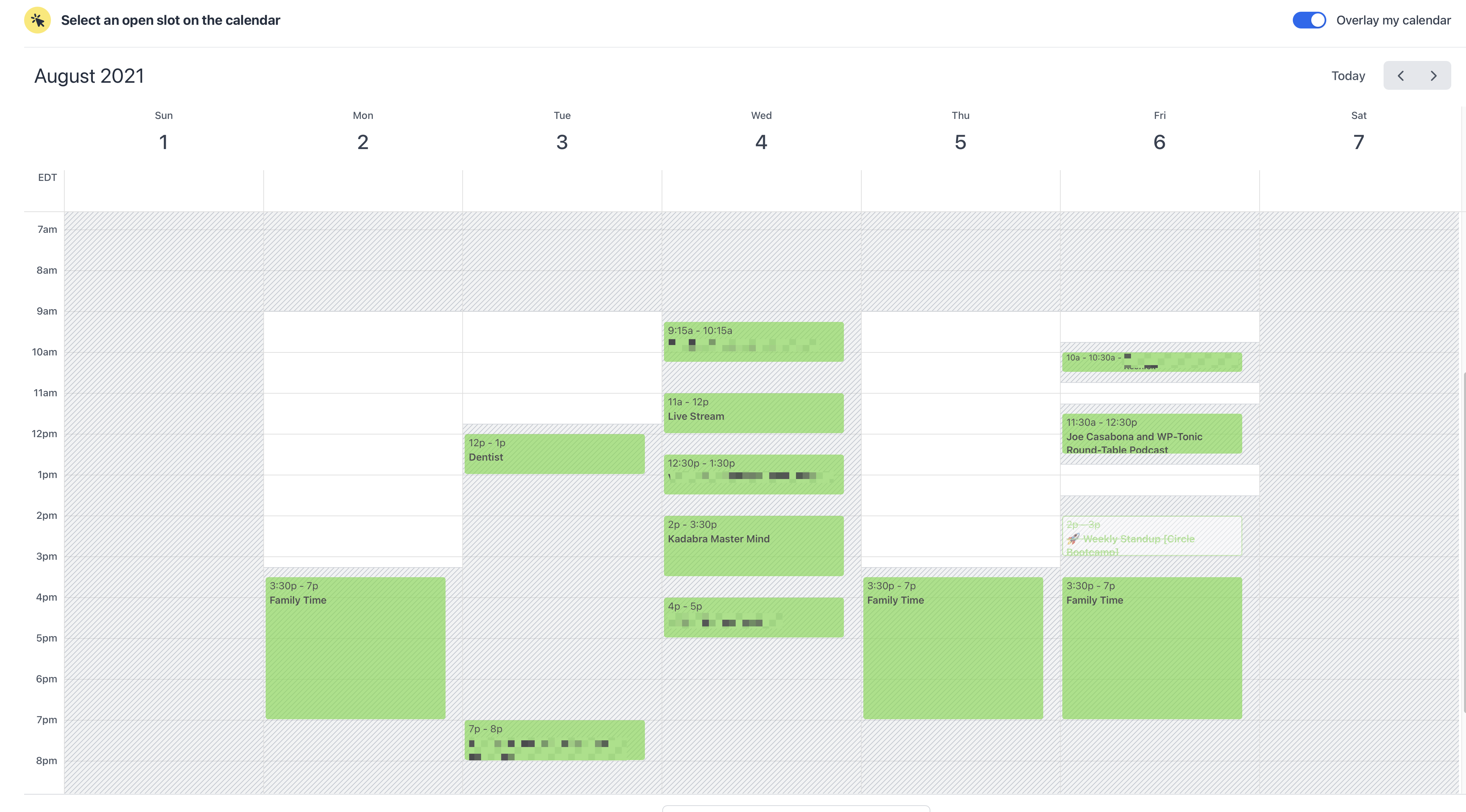
A few weeks ago In my newsletter, I talked about how I’m considering switching to SavvyCal over Calendly. There are a lot of great features to like about SavvyCal, including how calendar overlays work, one-off links, reusable hours, and recurring time blocks based on calendar events.
Plus with teams, you can do “round robin” scheduling, allowing you to easily combine multiple people’s availability – something that while SavvyCal requires a team account for, Calendly doesn’t offer at all. But I’m not quite ready to switch yet. Here’s why.
SavvyCal is Better…Mostly
I honestly think SavvyCal overall is a better tool. I like the interface, the reusability of a lot of schedules and section, and how easy it is to send links – especially private, one-off links. The overlay is much better, and much clearer when you’re using someone else’s calendar link too. This is a tough problem to solve, and I think SavvyCal’s current crack at it is a good one that will only get better.
However, Calendly has 2 crucial features that SavvyCal doesn’t replicate yet, and I can’t fully switch over until it has them
MUCH better Zapier support
SavvyCal just got native Zapier support (as opposed to just webhooks) but they still don’t send custom form fields separately, which I rely on heavily for certain events, like my podcast. I ask a series of questions which are used to generate a show document. The fact that I can’t get a full list of these listed separately, like I can with Calendly, means more work and less reliability.
And while I could write some fancy code to parse those results, that’s a lot of effort I don’t actually need to put forth.
Post-event emails
This one seems pretty wild to me, as I can’t imagine I’m the only one who thinks this is an important feature. Depending on the calendar, I sent a post event follow up to:
- Thank someone for their time
- Gather important assets, like audio file and headshot
- Outline next steps
This is another feature I could likely recreate in Zapier – but it would require a lot of hoop jumping. I’d have to find specifically named events on my calendar, check their start time / end time, create a delay, then send an email. I prefer to do as little hoop jumping as possible, especially when I have a tool that already does this exact thing.
Sticking with Calendly for Now
I suspect that SavvyCal will eventually include both of these things. I’ve submitted feature requests so we’ll see – I know the founders are keen on making SavvyCal the best tool possible for scheduling.
Plus, I’ve already paid for Calendly through December. So for the time being, I’m going to stay. I know they’ve made a lot of changes recently – perhaps it’s time to re-evaluate that and see what need capabilities I have.
What Should You Use?
Like I said, if it weren’t for those 2 features, I’d move to SavvyCal completely. If you don’t have a need for deeper Zapier integration or post-event follow up emails, I’d recommend SavvyCal. I think it’s better overall, and more convenient for the people who schedule with you.
