
How I’m Using the iPad Mini
I have a confession: I love new devices. I probably upgrade too often. And I’m constantly looking for the perfect research companion. I thought it could be the Kindle Oasis, but I don’t reach for that as much as I expect1. Turns out the 11″ iPad Pro has been that for me for a long time. It’s nearly the perfect size.
But when I first heard rumors about a redesigned iPad Mini, I was giddy. I thought a bigger screen, with Apple Pencil 2 support…it would be perfect!
I instantly ordered it when it went on sale last month. After spending some time with it, I’m super happy with the purchase. It’s the perfect size for a lot of things. Here’s how I’m using it.
Reading and Content Consumption
Every morning I wake up around 5:30am so I can shower and get some coffee before my kids wake up2. I also like to catch up on RSS feeds, saved articles, and the news. The iPad Mini is absolutely perfect for this.
When I was reading on my 11” Pro, I would usually need two hands just to hold it, or at least rest it on my leg while I held it.
The iPad Mini is a great size, very light, and great for one-hand use.
Watching Videos
This is also what I’m using for watching YouTube and other videos, mostly due to its portability. Naturally the 11” screen is more desirable for watching, but I find myself with the Mini more often than the Pro now. And the watching experience is fine — especially if I’m not going to be sitting in front of the TV.
Note Taking, Idea Capture, and Research
The other aspect of the Mini I was excited for was note taking. Again, the 11” is great for planning and drawing, but the Mini is the approximate size of most notebooks I use.
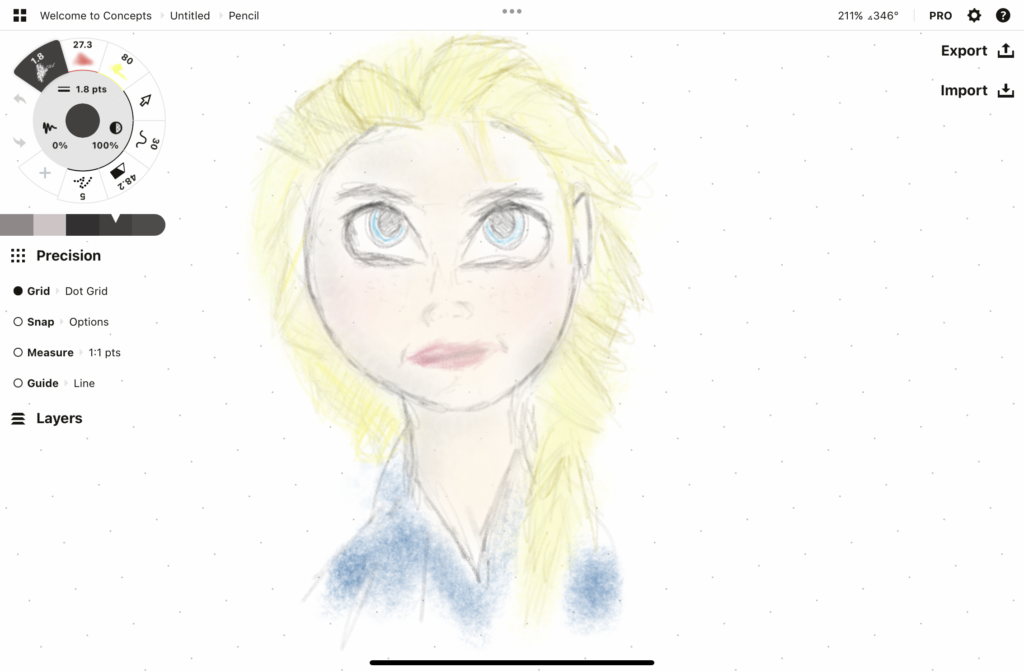
I am NOT disappointed at all. I’m using GoodNotes, Concepts, and even Craft with handwriting more.
But the most surprising feature I’ve been using is Quick Note, something enables in iPadOS 15. You swipe up from the right corner and there’s a brand new note in Apple Notes. It can even grab certain app contexts, like the link to a webpage.
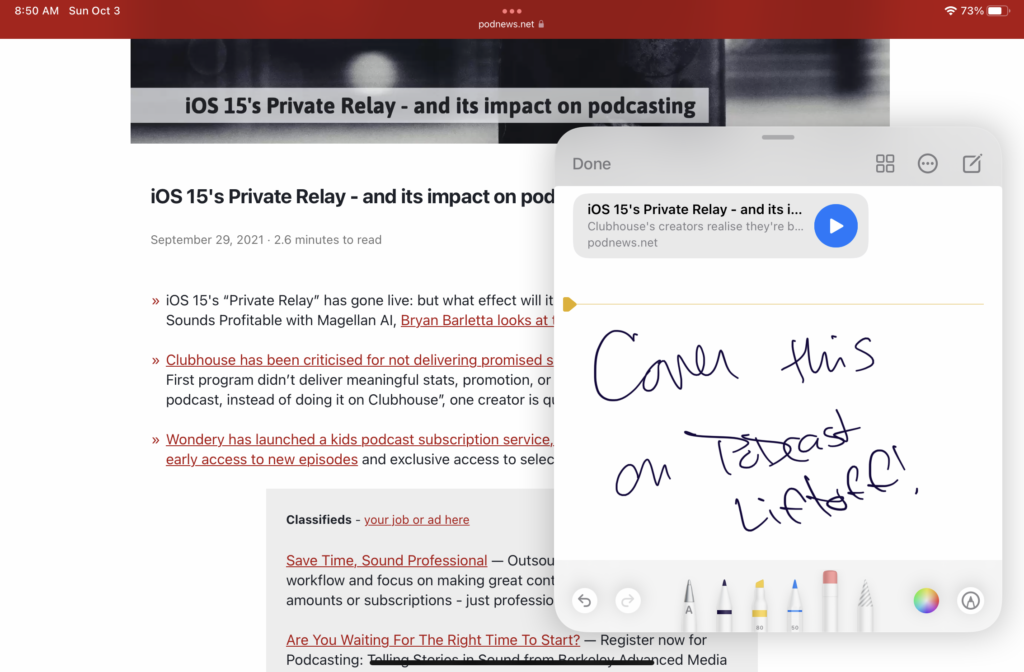
I often find that when I’m reading and get an idea for my own content, Quick Note to Craft is the best workflow for me.
And since I can hold the Mini in one hand and write with the other, it’s something I think I’m doing much more often than I would on the 11” Pro.
Writing and Content Creation
I didn’t expect I’d do any “real work” outside of research on this. Aside from Craft, most apps I use for content creation and planning are…not great…on iOS3.
That said, I have been using the Mini to write articles and scripts — including this post!
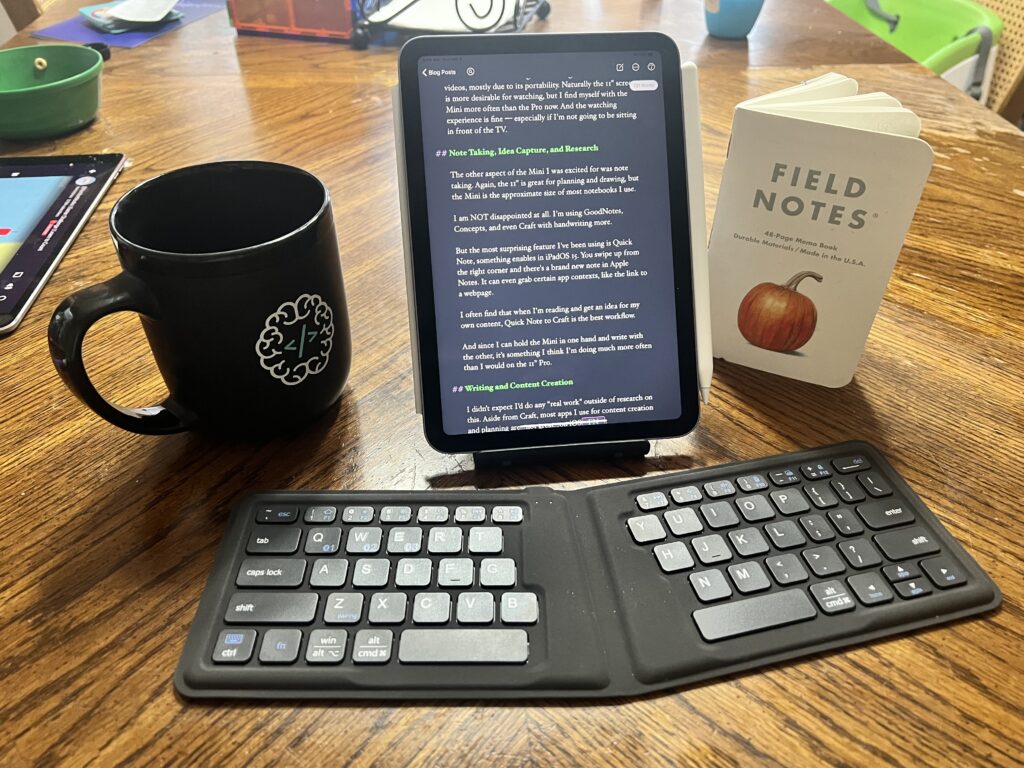
I have a foldable keyboard and small stand I can rest the iPad Mini on. I’ve been writing vertically (something Jason Snell suggests on Upgrade) and I’ve like it! It’s a very focused way to write, and if I get stuck I get easily distracted.
On the Split Keyboard
I got this keyboard because it folds and I thought it might be good with my iPhone in a pinch. But If I’m going to use this workflow viably, I’ll need a better one. I’ll still look for some foldable keyboard I can keep in my bag, but I suspect I’ll be moving to a non-foldable, 65% sized keyboard instead.
High Marks
All in all, I’m really happy with the iPad Mini. It’s fulfilled all the rolls I expected it to, and more.
I’ll still use my iPad Pro for writing, as a second monitor for live streams, and for when I need to use more than one app on the iPad4, but to be honest, if I were making the decision today, I’d probably skip the iPad Pro, and go with the M1 MacBook Air and the iPad Mini.

256 iPad mini? My 6 yr old mini needs an upgrade
I think if there aren’t a lot of photos or downloads you can get away with the 64GB version. That’s the one I got.
I personally wish I got the bigger one given how much I’ve been using it, but I can free up most of the storage by disabling Photos on it.