
| |

Trying superwhisper as my Voice Notes App

I’m trying a new voice notes app.

I’ve used Whisper Memos for a while now, and really, truly loved it. But the last four or five notes I’ve tried recording with it were completely lost. No transcript, no recording, no summary.

When I rely so heavily on a tool that becomes this unreliable, it’s time to move on. So after a brief stint with Whisper Transcription, I’ve decided to look at superwhisper.

Better Context Switching

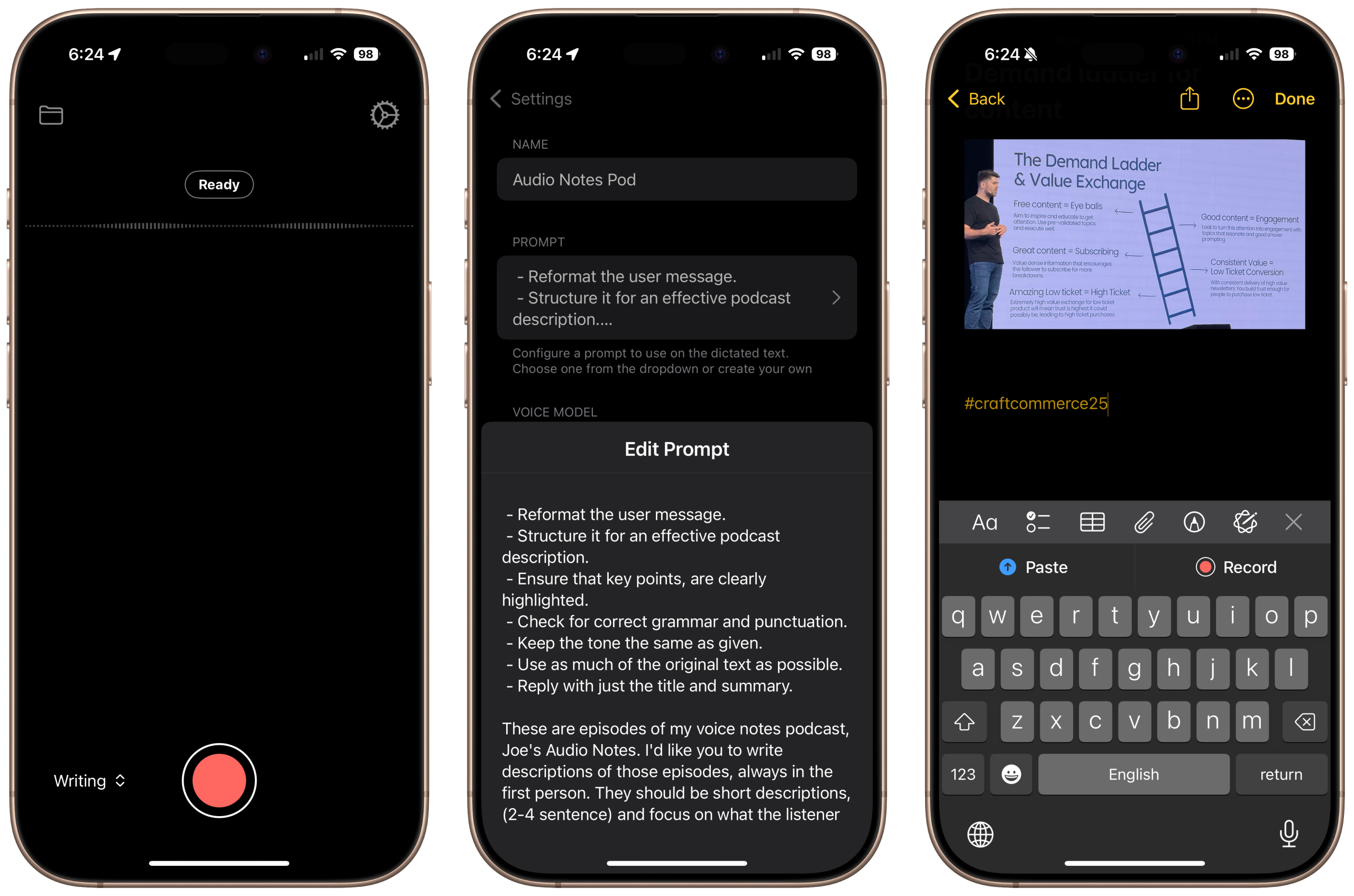
One of my favorite things is that you have different contexts for the AI summary. Whisper Memo summarizes now, but superwhisper allows you to create essentially different projects with a different set of prompts for the output.

And you can change the context post-recording, which is nice. It also has Shortcuts integration, which is a requirement for me. Currently the only action is start and stop recording; I’d really like to see more.

It also has a desktop app, but I’m not sure it will replace MacWhisper for me there.

Main Use Cases

The main use cases for me right now:

  1. My Shutdown Routine. With this app I no longer need to ship the transcript to Zapier to extract the tasks.
  2. Joe’s Audio Notes. Again, with the custom prompts and contexts, I don’t need to copy and paste into Claude.

I’m also experimenting with “writing” with it — I’m not convinced on this specific use case yet. For this post I took a long voice note and put it through the context, but didn’t use most of the output. I may just switch it to “give me a long-form writing outline based on this transcript.”

What about you? Are you using a voice notes app? Let me know!

Similar Posts

  • |

    Is it Time for me to Ditch Ulysses?

    threads, podcast episodes, and blog posts have all made their way into a new space I created explicitly for writing. Now I’m wondering if I should switch from my long-standing, beloved writing app.

  • |

    A Simple Solution to Selling Workshops

    While working out my income and project goals for this year, something I added to my list was more paid workshops and webinars. I want people to be able to sign up, get the workshop and the replay, and learn something tangible. And as a WordPress developer, it’s easy to think, “Oh I can put this whole thing on WordPress. But I’ve been actively deciding against WordPress for things like this. Here’s why.

    Get the bonus content by joining the Creator Crew

  • |

    Conscientious AI Use: Disclose It Or Don’t Use It

    Back when I was doing Podcast Advent and in one article, How I Produce a Podcast Completely From my iPhone, I included this at the bottom: Disclosure: This article was written after I recorded the embedded episode and fed it through ChatGPT. Then I edited it for voice and clarity. While I was reading The…

  • |

    SavvyCal vs. Calendly

    SavvyCal or Calendly. There are a lot of great features to like about SavvyCal, including how calendar overlays work, one-off links, reusable hours, and recurring time blocks based on calendar events. But I’m not quite ready to switch yet. Here’s why.

  • |

    Using AI as a Fact Checker

    As I reviewing my continually dwindling LinkedIn Learning royalties, I noticed that my latest course is officially out: Generative AI for Podcasters. I had a blast creating this course, and am hopeful it will be a boon to my recurring revenue. Something I didn’t really discuss in the course is how I’m using AI to…