
How My Organization Tools Have Changed
A while back I wrote about how I stay organized. The process isn’t dramatically different, but the gear has changed and I’ve gotten some questions about it – so here’s an update!
Analog vs. Digital
First, let’s talk about analog vs. digital processes. I get into some of the finer details here, on the WPMRR podcast, but the short of it is this: I use (and totally need) both.
Basically, I treat digital as long-term memory and anything I need to be reminded about. Pretty much everything I need to do goes into my digital tools.
My analog tools are used for planning, brain storming, prep, and journaling. I much prefer analog tools for this (though Good Notes for the iPad is very, very good).
With that little preamble, let’s get into the tools.
My Digital Tools
There are a few apps I rely on every day for staying organized:
OmniFocus
Number one is OmniFocus. This is my primary task manager – everything I need to do ends up in here. Every other day or so I review the to dos and make sure it provides the best picture of everything on my plate.
I love the quick capture, automations, and integrations with all of the apps I use. It pulls in my calendar, and I can easily send emails to it. It’s also part of the share sheet in iOS and Safari on Mac – so anything I think I need to work with makes its way into OmniFocus.
Reminders
I also heavily use the Reminders tasks for quick to dos and shared lists (like shopping, chores, vacation planning, etc).
I love the simplified interface, and the iOS 13 update looks fantastic.
Bear Notes
This is my notes app of choice. I really want to like Apple Notes, but the lack of markdown is a dealbreaker for me. I’ll use this for quick jotting, light planning, and persistent notes. I’ve also made a concerted effort to use the notes app (any notes app) more.
Drafts
Drafts gets mentioned because of its fantastic Apple Watch app. I’ll use it to capture lists or ideas, and then easily share them to the above apps.
Analog Tools
OK here’s the main event- what analog tools do I use, and how do I use them?
The Theme System Journal
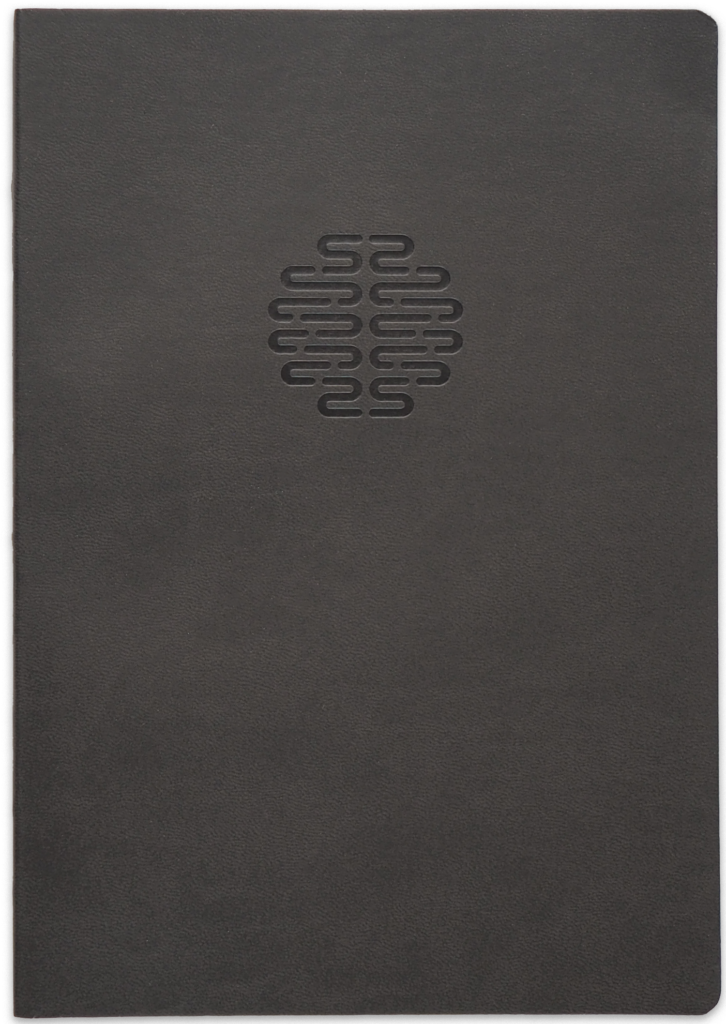
The Theme System Journal is my new favorite notebook. Created by CGP Grey and Myke Hurley from the Cortex podcast, it’s built around having yearly themes and keeping a regularly journal. There are 3 different types of pages for habit tracking, journaling, and your “themes.” I can’t do justice to the description of themes, so I recommend you listen to this episode of Cortex.
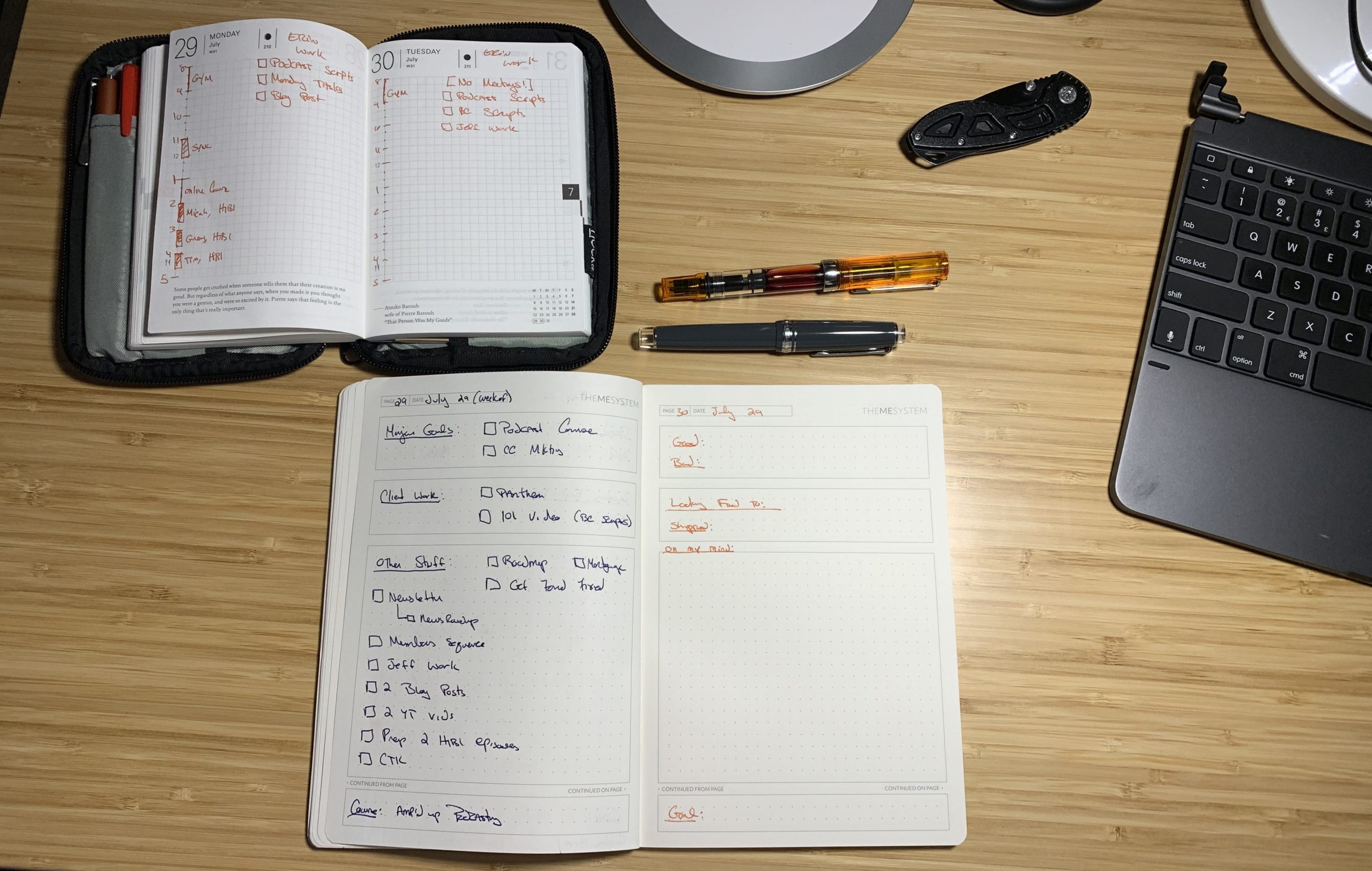
I’m using the journal portion this way: the first page of the week plans the entire week. I have my major goals, important client work, all of the other tasks I want to accomplish, and then something I’m learning (usually what I’m reading, or an online course I’m taking).
For the rest of the week, each day gets its own page. My journal method is stolen from Myke a bit – I log:
- One good thing
- One bad thing
- Something I’m looking forward to (changes day-to-day)
- Something I shipped
- What’s on my mind
- A long term goal (doesn’t change until it’s accomplished).
I’m also using 2 different fountain pens each day: one for the topic headings, and one for the content. I have 9, each with different color inks. So I get good rotation and combinations. Pictured are the Sailor Pro Gear (my favorite pen) and a TWISBI Eco, which is an excellent sub-$30 fountain pen.
Hobonichi Techo
One thing I don’t keep in my Theme System Journal is my daily tasks or meetings. That’s what my page-a-day calendar, the Hobonichi Techo, is for.
I will list out my schedule for the day, as well as the 3 tasks I want to accomplish. The tasks are pulled from OmniFocus and the Theme System Journal’s week page.
Field Notes Notebooks
I always have a Field Notes notebook on my – on my desk or in my pocket. It’s where I go most often for jotting stuff down. This is especially true since I’m experimenting with the other notebooks/note taking methods.
Some Other Notebook
Rounding out my analog tools is some other notebook that stays on my desk. I’m currently using one from Pen Chalet but I have a couple more on the way.
That’s a lot of Stuff
I know this can look a bit overwhelming, and this process definitely is not for everyone, and is always in flux.
This is working really well for me right now because it’s keeping me organized and allows me to reflect on my day a bit. I’m really digging it.
What’s your process like? Any analog tools or apps you love? Let me know in the comments!
